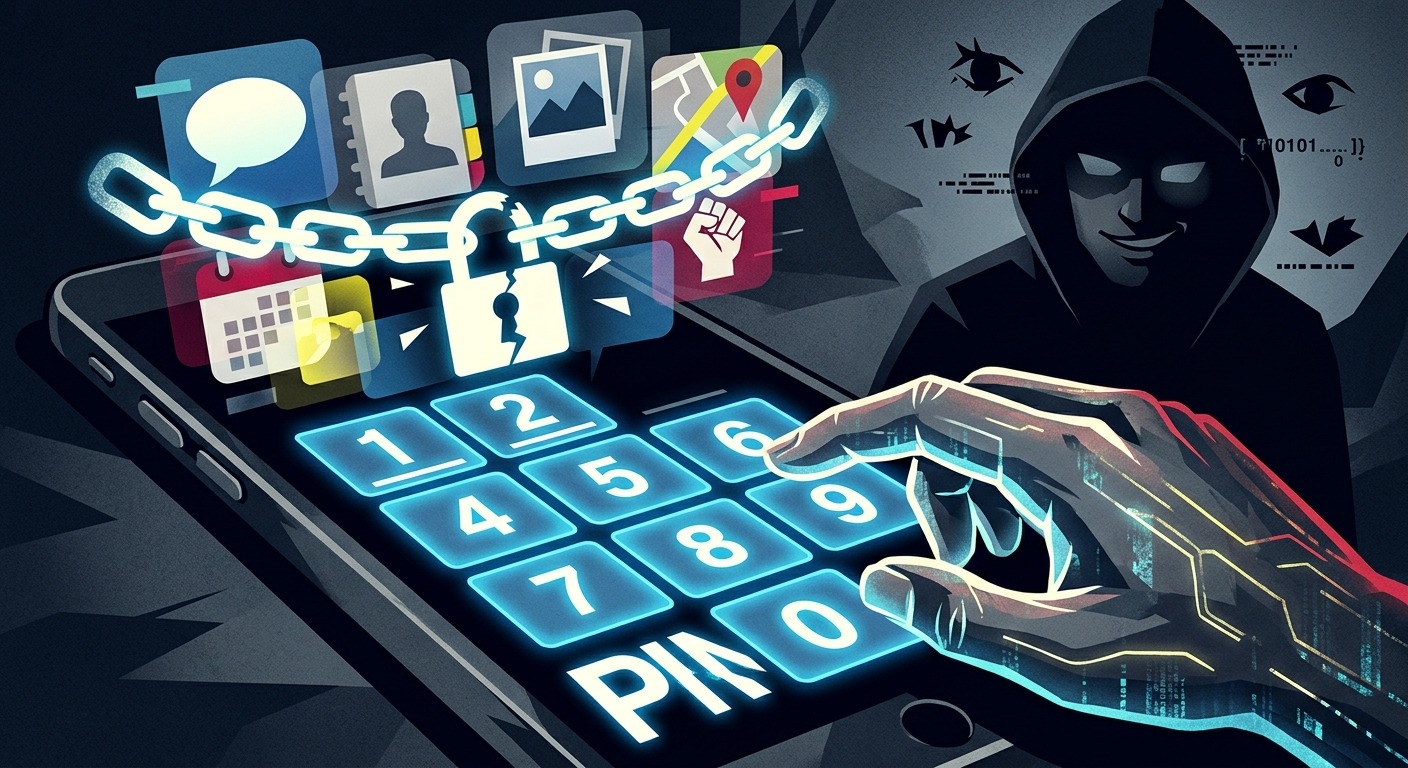
Your phone locks within sixty seconds of inactivity. That lock screen feels like a wall between your private life and anyone who picks up your device. But if your PIN is your birthday formatted as four digits, or a satisfying sequence you tapped in years ago without much thought, that wall has a door. An abusive partner, a nosy coworker, a phone thief, or anyone who has spent ten minutes on your social media profile already knows where the key is hidden.
Your device PIN is the master key to every app on your phone, and a predictable one makes every other privacy measure you have taken irrelevant.
- A person who knows your birthday, anniversary, or childhood address can work through the most likely PINs in under two minutes before a lockout kicks in.
- Stalkerware is most commonly installed during a brief window of physical access to a device, and a guessed PIN is the only barrier between “locked phone” and “fully monitored.”
- Switching to a randomly generated, six-digit PIN costs fifteen minutes and closes the most exploited entry point on your phone.
The Most Common PINs Are Shockingly Predictable
Most people chose their phone PIN in about five seconds, standing in a phone shop, while someone behind a counter waited. The result was something easy to remember. And “easy to remember” almost always maps directly to “easy to guess.”
Analysis of millions of real-world PINs from data breach datasets consistently shows that a very short list of codes accounts for a huge share of active PINs. The code 1234 appears in roughly one out of every ten four-digit PINs studied. Codes like 0000, 1111, and 1212 round out the top tier. A snoop working through guesses does not need to be creative. They need patience and a printed list.
Here are the PIN patterns that anyone attempting to access your phone will try first, in roughly the order they try them:
- Repeating digits such as 0000, 1111, and 2222, because the repeated tap is visible as a pattern on screen.
- Sequential runs like 1234, 2345, and 9876, which are muscle-memory defaults for millions of people.
- Birthday dates formatted as MMDD, DDMM, or MMYY, all of which are often discoverable from a public social media profile.
- Birth year formatted as YYYY, specific enough to feel personal but common enough to appear early on any guess list.
- Significant years such as wedding anniversaries, graduation years, and children’s birth years, all of which a former partner or close contact already knows.
- Keypad patterns like 2580 (the center column) or 1379 (the corners), which feel arbitrary but appear repeatedly in breach data because they require minimal thought.
A determined snoop with basic knowledge of your life can cycle through this list in a handful of attempts before triggering a lockout. On many devices, that window is wider than most people assume.
How Stalkerware Turns a Guessed PIN Into a Surveillance Tool
The threat is not always a stranger who grabbed your phone at a café. In many documented cases, the person who already knows your PIN is someone who shared your home, or used to.
Stalkerware, a category of monitoring software designed to run invisibly on a target device, is most frequently installed by a current or former partner who already memorized the phone’s PIN. The process takes under two minutes. They pick up the device while you sleep, tap in the code they learned during a shared routine, and install a hidden app that reports your location, messages, call logs, and sometimes ambient audio back to them. Nothing appears on your home screen. Nothing sends an alert.
The Coalition Against Stalkerware, a nonprofit that coordinates with domestic abuse organizations globally, has documented thousands of cases where brief, physical access to an unprotected device was the starting point for months of ongoing covert surveillance. In the overwhelming majority of those cases, the PIN was guessable. The PIN was the only barrier that had to fall.
Outside of stalkerware, the risk is still significant. A person who gets past your lock screen has direct access to your banking apps, private photo albums, message threads, password manager vault, and email accounts. A weak PIN does not just open your screen. It hands over the entire device, every account, and every credential stored on it.
Checking Whether Your Current PIN Passes the Predictability Test
Before replacing your PIN, run an honest audit of the one you have. Three questions are usually enough to surface the problem.
First: could anyone who knows your birthday, your partner’s birthday, your child’s birth year, or your wedding anniversary guess this PIN without any technical knowledge? Second: does your code appear on any published list of the fifty most common four-digit PINs? A fast search for “most common four-digit PINs” pulls up multiple research-backed lists compiled from breach data. Third: did you choose it primarily because it was simple to type rather than because it was hard to predict?
A yes to any of those questions means the PIN has already failed. The fix is not a minor adjustment. Incrementing a birthday year by one or reversing a common sequence still leaves you in guessable territory. Anyone who knows your approximate birth year will try the adjacent numbers.
It is also worth thinking about PIN length. Most phones default to four digits, which gives 10,000 possible combinations. A six-digit PIN produces one million. That difference is not marginal. It changes the math of a manual guessing attempt from plausible to impractical. If your phone supports a longer PIN, use it.
Replacing Your PIN With a Code That Has No Pattern
A genuinely unpredictable PIN is one that was never touched by human intuition. No birth year. No lucky number. No keyboard shortcut. It comes from a generator, not from memory, and it carries no information about you whatsoever.
The most direct path to one is through a PIN generator that produces digits using a source of randomness, not a human’s pattern instincts. Set the length to six digits, generate the code, and write it down on paper before setting it on your device. That note goes somewhere physically secure, not inside any app on the phone you are protecting.
Federal authentication standards published by NIST are explicit on this point: memorized secrets used for authentication must not be based on personal information that could be found or predicted. A randomly generated PIN satisfies this requirement. A birthday-based PIN fails it regardless of how obscure you think that birthday is.
When setting the new PIN, do not enable a hint. Do not reuse the same PIN across multiple devices. Six digits, generated randomly, no exceptions.
Apps That Deserve Their Own Lock
A stronger device PIN is the foundation. But even a perfect PIN is a single point of failure. Anyone who gets past the lock screen in any scenario now has simultaneous access to everything on the device. Individual app locks add a second barrier that persists even if the device PIN is compromised, guessed, or seen over your shoulder.
These are the app categories that carry the highest exposure if accessed without your consent:
- Banking and payment apps including mobile banking apps, digital wallets, and peer-to-peer payment services
- Private messaging apps, especially any thread you would not want a current or former partner to read
- Photo and video galleries, particularly folders containing personal or intimate images
- Email accounts, which can be used to reset passwords for every other account you own
- Password managers, which store credentials for every service in your digital life
- Health and tracking apps, including period trackers and medical record apps that may contain sensitive personal data
Android users can apply app-level locks through built-in Digital Wellbeing settings or through a dedicated app-lock app. iOS users can apply Screen Time restrictions with a separate passcode to gate individual apps. The goal in both cases is the same: a second wall that stands independently of the first.
Three Steps That Lock Out the Snoop for Good
The full process takes about fifteen minutes. Each step builds on the one before it, so working through them in order matters.
- Replace your device PIN with a randomly generated six-digit code. Use a generator rather than your memory. Write the new code on paper and store it physically somewhere only you can access. Do not save it in any notes app on the device being secured.
- Enable biometric authentication as a backup layer. Face recognition, Touch ID, or fingerprint authentication makes daily access seamless without weakening the underlying PIN. Your biometric is far harder to share or inadvertently reveal than a numeric code, and it does not appear on sticky notes or get overheard at a café.
- Add app-level locks to your most sensitive apps. Banking, messaging, email, and photo apps each warrant their own passcode or biometric requirement. Use a different code from your device PIN so that one compromised credential does not cascade into everything.
These three steps create compounding difficulty. A snoop who somehow obtains your device PIN still cannot read your messages. A thief who lifts your phone cannot transfer money. A former partner who remembers an old PIN you used to use cannot install anything on a relocked device. Layers multiply the problem for anyone trying to get in.
A Predictable PIN Is a Threat That You Can Retire This Afternoon
Every thoughtful privacy setting on your device, every encrypted messaging app, every permission you have reviewed and restricted, lives behind that lock screen. If the PIN protecting all of it is a date someone posted on a birthday card to you, none of the rest of it holds.
The thing that makes this specific threat worth fixing immediately is how little it takes to fix it. Generating a random PIN, writing it down, setting it on your phone, turning on biometric backup, and locking three or four sensitive apps is an afternoon task. It is not a technical project. It does not require specialized knowledge.
A weak PIN is a wide-open door positioned at the very front of your digital life. Replacing it with a randomly generated code is not a small tweak to an existing defense. It is the act of putting a real lock on that door for the first time.