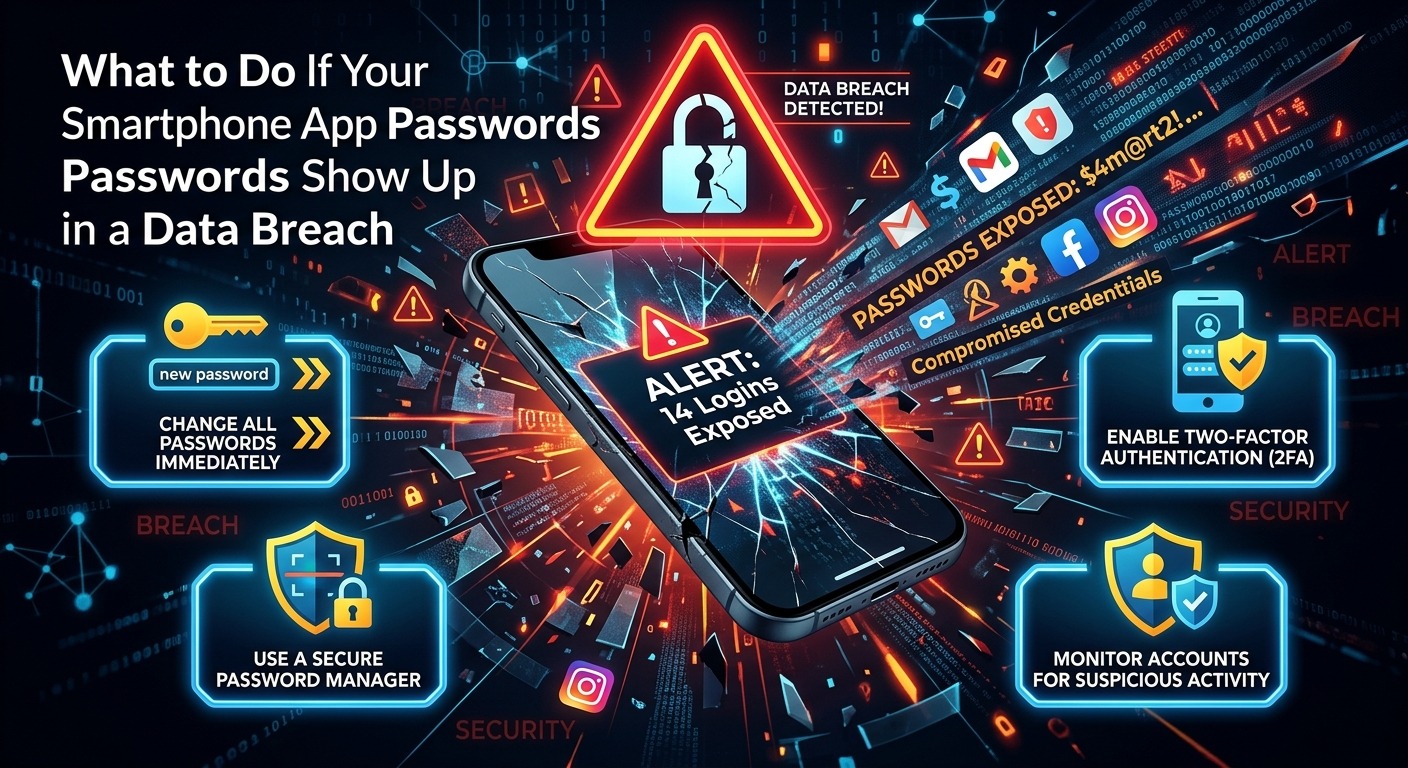
Your stomach drops a little the moment you read those words: your password appeared in a data breach. Whether that alert came from your iPhone’s built-in security warning, a Google account notification, or a news headline about an app you use every day, what you do in the next hour matters more than anything you did before. Most people close the notification and tell themselves it probably won’t affect them. That is precisely the window attackers count on.
Breach Response Checklist
- Run a breach check on your email address first to see exactly what data is exposed
- Change your password on the affected app and every other account that shares that password
- Enable two-factor authentication and an app lock on sensitive apps right away
- Review each app’s permissions and revoke anything that no longer makes sense
- Monitor your financial accounts and credit for at least 90 days after any breach
Why Breached App Passwords Cause More Damage Than You Expect
A lot of people assume a breach only affects the one app involved. Attackers think differently. They know the average person reuses the same email and password combination across four or more services. Once they have one set of credentials, they run automated scripts that try those same details on banking apps, email providers, social media accounts, and streaming services. This technique is called credential stuffing, and it is disturbingly effective.
Smartphone apps also carry more personal data than most websites. Many have permission to read your contacts, see your location, access your microphone, and even use your camera. A successful login to a breached app is not just access to that one app. In some cases, it opens a path to everything linked to that account, including your phone number, home address, and payment methods saved for in-app purchases.
The risk scales with how long you wait. Breach data gets traded and sold on criminal forums within hours of a leak going public. By the time you see a breach notification, your credentials may already be in circulation. Acting the same day is not an overreaction. It is the minimum responsible step.
Run a Breach Check Before You Change a Single Password
Before you start resetting passwords at random, you need a clear picture of what is actually exposed. Changing one password while others sit compromised gives you a false sense of security. Start by running a breach check on your primary email address. This tool scans known data leak databases and tells you which services tied to that email have appeared in confirmed breaches. The results might surprise you. Old accounts you forgot about, apps you used once, and services you thought were long deleted can all show up.
Once you see the full picture, you can prioritize. Breaches involving passwords, phone numbers, and home addresses are the most serious. Breaches that only exposed a username or a hashed email carry less immediate risk. Knowing the difference helps you spend your energy where it counts most.
If your email provider itself was part of a breach, move fast. Your inbox is the master key to every account that uses it for password resets. That account needs a new password before anything else on your list.
Warning Signs That Someone Is Already Testing Your Credentials
Sometimes a breach leads to an immediate attack. Other times there is a delay of days or even weeks. Either way, these signals tell you that something is wrong before you ever get a formal notification:
- Login alerts arriving from apps you did not open, often at odd hours
- Password reset emails landing in your inbox that you never requested
- Friends or contacts reporting unusual messages appearing to come from your accounts
- Charges or in-app purchases appearing that you do not recognize
- Apps logging you out unexpectedly or demanding identity verification out of nowhere
Any one of these signs warrants immediate action. Two or more at the same time means you should treat the situation as an active compromise, not a routine precaution.
Changing Your Passwords the Right Way After a Breach
Changing a password to something slightly different from the old one is not enough. If your old password was “BlueSky2021,” switching it to “BlueSky2022” takes a competent attacker about three seconds to guess. Password changes after a breach need to be complete breaks from your old habits, not minor edits.
Start with the app or service directly named in the breach. Then move to your email account. After that, work through every other account where you used that same password. CISA’s official password guidance recommends using a different password for every single account and making each one at least 16 characters long. That sounds daunting, but a password manager handles the heavy lifting. You only ever need to remember one strong master password, and the manager generates and stores unique credentials for everything else.
Both Android and iOS have built-in password managers that generate strong, unique passwords automatically. Google Password Manager and iCloud Keychain both work well and are already on your phone. Activate whichever one matches your device and let it suggest a new password each time you reset one after a breach. This single habit eliminates the reuse problem that makes breaches so damaging in the first place.
App Locks Add a Defense Layer That Passwords Alone Cannot
Changing your passwords secures the front door. App locks secure what happens if someone gets past it. An app lock requires a PIN, fingerprint, or face scan before a specific app will open, even on an already-unlocked phone. That means someone who picks up your device, grabs it from your bag, or even borrows it for a moment cannot casually scroll into your banking app or your email inbox.
Both Android and iOS support biometric locks for some apps natively, and third-party app lock tools extend that protection to almost any app on your device. After a breach, the time to add these locks is immediately. Email apps, banking apps, payment apps, and anything connected to your social media accounts should all require a secondary authentication step before they open.
App locks also buy you critical time in the event of phone theft. A thief who cannot open your email cannot reset passwords on your other accounts. That containment effect is significant. It turns what could be a chain reaction of compromises into a much more limited incident. A few minutes of setup now prevents hours of damage control later.
Revoking App Permissions That No Longer Make Sense
Once a breach happens, it is worth looking at every permission you have ever granted that app. Permissions are access rights you approved when you first installed it, and many of them stay active even if you have not used that feature in months. Revoking unnecessary permissions limits how much information a compromised account can reach, and it is one of the most underused protection steps on smartphones.
Open your phone’s privacy or permissions settings and look for any of the following granted to apps connected to the breach:
- Location access for an app that has no reason to know where you are
- Microphone permission on an app that is not audio or video based
- Contact list access on apps with no messaging or social feature
- Camera access on apps that never ask you to take or upload a photo
- Background data access that allows an app to run and transmit data when you are not actively using it
On Android, find this under Settings, then Privacy, then Permission Manager. On iOS, go to Settings, scroll to the app’s name, and you will see every permission it holds. Revoke anything you cannot explain or justify. This does not break the app. It simply limits what it can reach if the account behind it is ever accessed without your knowledge.
Turning a Scary Notification Into a Stronger Digital Routine
A data breach feels like a violation, and that feeling is valid. But every breach you respond to properly is also a forced audit of habits that were already creating risk. The password reused for three years, the app lock you kept meaning to set up, the permissions you approved without reading. A breach notification surfaces all of it at once and gives you a reason to fix it.
If the exposed data included your name, Social Security number, or financial account details, the U.S. government’s identity theft recovery resource walks you through additional reporting and recovery steps that go well beyond password resets. It is a free, official tool and one of the clearest guides available for serious breach situations.
The people who come out of a breach with minimal damage are not the ones who were never targeted. They are the ones who responded fast, changed every affected password to something unique, locked their apps, and stripped unnecessary permissions the moment they got the news. Your phone carries your financial accounts, your personal conversations, your health data, and your location history. Treating it with that level of seriousness is not paranoia. It is just accurate.
One breach notification does not have to become a cascade. The steps are clear, the tools are already built into your phone, and the window to act is open right now.