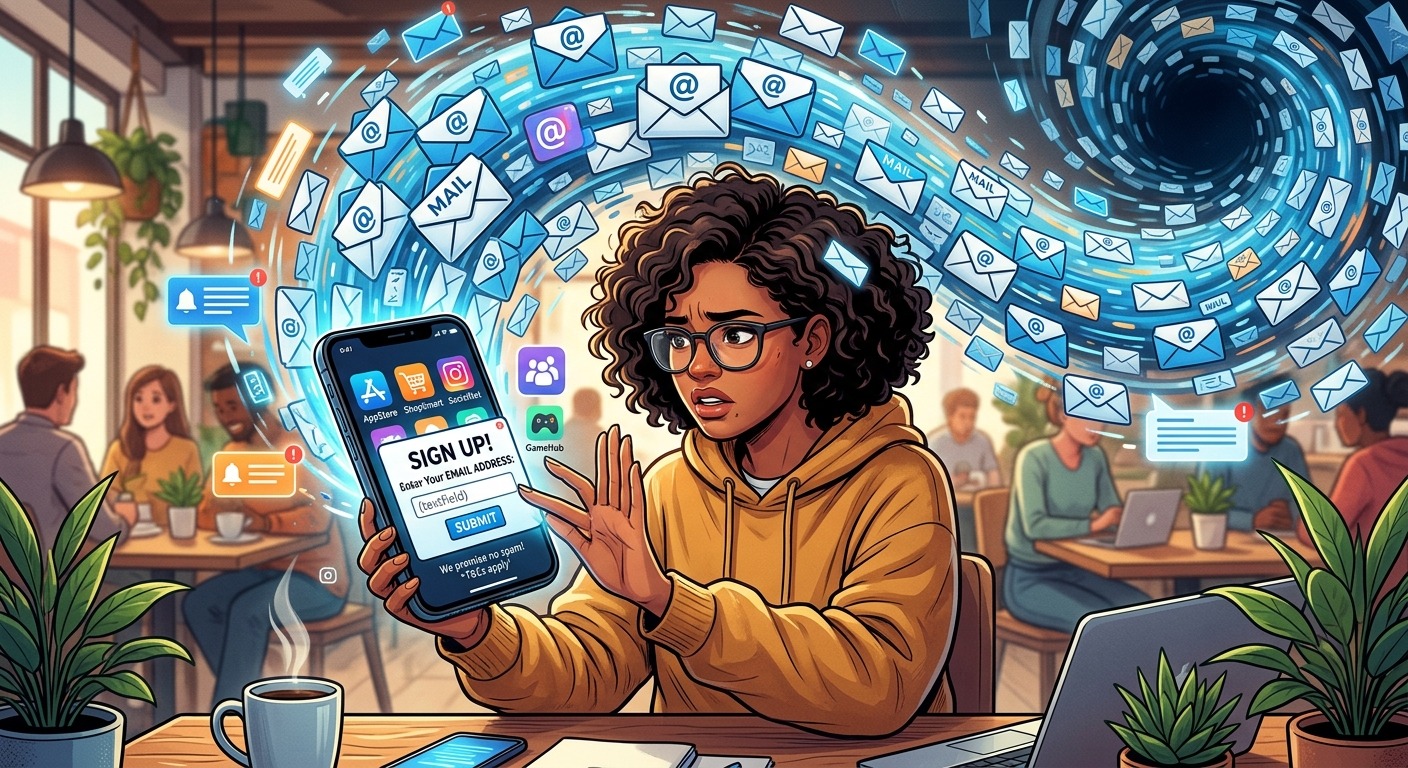
You download a flashlight app. A recipe timer. A free puzzle game. Before you can touch the feature you actually came for, there is a form waiting. Name. Email address. Password. You fill it in without thinking, tap submit, and move on. That single moment, casual as it feels, kicks off a data operation most people never realize they triggered.
What Is Really Happening to Your Email
Apps treat your email address as far more than a login credential. It becomes a persistent identifier that links your behavior across platforms, gets packaged for ad targeting, and sometimes gets sold to third-party data brokers. You signed up for a cooking timer. You did not sign up for any of that. This article explains how the collection works and gives you straightforward steps to shut it down.
The Second You Sign Up, the Data Machine Starts Moving
App developers have a problem. Building and maintaining an app costs money. Advertising revenue pays for it. But to sell ads, they need to know who you are. Your email address is the cheapest, most reliable way to figure that out.
When you enter your email at signup, the app logs it against your device fingerprint, your IP address, and whatever permissions you granted. That combination creates a profile. The profile gets a label: age bracket, location, device type, estimated income range. None of this requires a data scientist in a back room. Automated systems do it in milliseconds.
From that moment on, everything you do inside the app gets attached to that profile. Which screens you visit. How long you linger. What you tap and what you skip. The email address is the anchor that holds all of it together.
What App Companies Actually Build with Your Email Address
There are a few layers to understand here.
The first is direct advertising. The app shares your email with ad networks that already have records on you from other apps and websites. Those networks match your address across their databases and serve you ads targeted to what that combined profile suggests you will buy. This process is called email hashing. The app does not technically hand your raw email to advertisers. It converts it to a code first. But the result is the same: your real address drives ad decisions you never consented to.
The second layer is data licensing. Some apps, particularly free ones, exist largely to collect user data that gets licensed or sold to data brokers. Brokers buy email addresses in bulk along with demographic and behavioral data. They resell those lists to insurers, lenders, employers, political campaigns, and marketers. Reviewing email marketing rules reveals just how wide the gap is between what companies must disclose and what they quietly do behind the scenes.
The third layer is less obvious. Your email address often gets used to link your app behavior to your social media profiles. Platforms accept email lists from advertisers to identify users for ad targeting. An app developer uploads a batch of emails, including yours, and the platform matches it to your account. You see an ad. You never know why.
Why Your Inbox Becomes a Surveillance Channel
Once apps have your email, the marketing starts. Most people assume this is just annoying spam. It is more than that.
Marketing emails contain tracking pixels. A tracking pixel is a tiny invisible image embedded in an email. When you open the message, your email client loads the image from a remote server. That server records your IP address, your email client, your approximate location, and the exact time you opened the email. The sender now knows you are an active user, where you roughly are, and what device you use. That data feeds back into your ad profile.
Even deleting emails without opening them is not always protection. Some email clients pre-load images as a convenience feature. In those cases, the pixel fires even if you never intended to open the message.
How Data Brokers Get Involved Without You Knowing
Data brokers operate almost entirely out of public view. They are companies whose entire business is aggregating personal information from hundreds of sources and reselling it. Your email address is valuable to them because it is a reliable identifier that connects data points from different sources.
A broker might combine your email with your home address, your vehicle registration, your estimated salary, your health conditions inferred from app usage, and your political donation history. They sell this package to whoever pays for it. Some states have laws giving residents the right to opt out of data broker sales, but enforcement is patchy and opt-out processes are deliberately difficult.
You almost certainly did not agree to this when you typed your email into that app form. The consent was buried in a privacy policy you did not read, written in language designed to be technically accurate without being genuinely understood.
Practical Steps to Shield Your Real Email From Day One
Protecting yourself does not require technical expertise. It requires changing one habit: what you type into email fields when you create accounts for apps you are not sure about yet.
Here are the actions that actually make a difference:
- Use a throwaway address for unfamiliar apps. A disposable email is a temporary address that works for sign-up confirmations but does not trace back to your real inbox. If the app sells or misuses it, nothing you care about is exposed.
- Review app permissions before granting access. Contact list access is a red flag on any app that has no obvious reason to need it. Your contacts list is a goldmine of harvestable data.
- Use unique, strong passwords for each app account. A reused password means one breach exposes every account sharing that credential.
- Create app-specific passwords where available. Some services let you generate a secondary password tied to a single app, keeping your main account credentials separate from third-party access.
- Periodically delete apps you no longer use. Dormant apps often still transmit data in the background. Removing them cuts that channel entirely.
- Disable automatic image loading in your email client. This blocks most tracking pixels without affecting your ability to read the content of messages.
How a Disposable Address Changes the Equation
A throwaway email address is exactly what it sounds like. You generate a temporary address, use it to complete a sign-up, receive the confirmation if there is one, and then let the address expire or discard it. No marketing reaches your real inbox. No profile gets built on your genuine identity. If the app eventually sells that address to a broker, the address goes nowhere useful.
This is not a technical workaround requiring any special skill. The services that provide these temporary addresses are designed to take about ten seconds to use. You paste the address into the app form, complete sign-up, and walk away. Your real address never enters the picture.
Real Email vs. Disposable Email: What Gets Exposed
| Factor | Your Real Email | Disposable Email |
|---|---|---|
| Identity linkage | Ties directly to your name, social profiles, and purchase history | No real identity attached to the address |
| Marketing exposure | Floods your primary inbox with trackable messages | Marketing hits an address you never check or care about |
| Tracking pixel risk | Opens expose your location, device, and exact timing | No meaningful behavioral data captured |
| Data broker value | High. Connects to existing records across multiple databases. | Minimal. No history to match against or enrich. |
| Breach consequence | Your real inbox and all linked accounts are at risk | A throwaway address that carries no consequence when exposed |
Your Inbox Is a Key, Not Just an Address
The app economy runs on a simple assumption: users will keep handing over real contact details without hesitation. That assumption is not wrong. Most people do exactly that. Creating accounts feels necessary, typing an email feels automatic, and the consequences stay invisible for long enough that the habit never gets questioned.
Changing that habit does not mean you stop using apps. It means you pause before typing your real email into an unfamiliar form and ask one question: has this app earned access to my real inbox?
For apps you know and trust, your real address may be perfectly fine. For the dozens of apps you download, try briefly, and mostly forget, a throwaway address costs nothing and removes your real identity from the equation entirely. That single change, applied consistently, cuts off the data chain before it has a chance to form.
Your email address is not just a way to receive messages. It is a key that opens your identity across dozens of platforms and databases you have never heard of. Treating it like one, and protecting it accordingly, is the shift that actually matters.