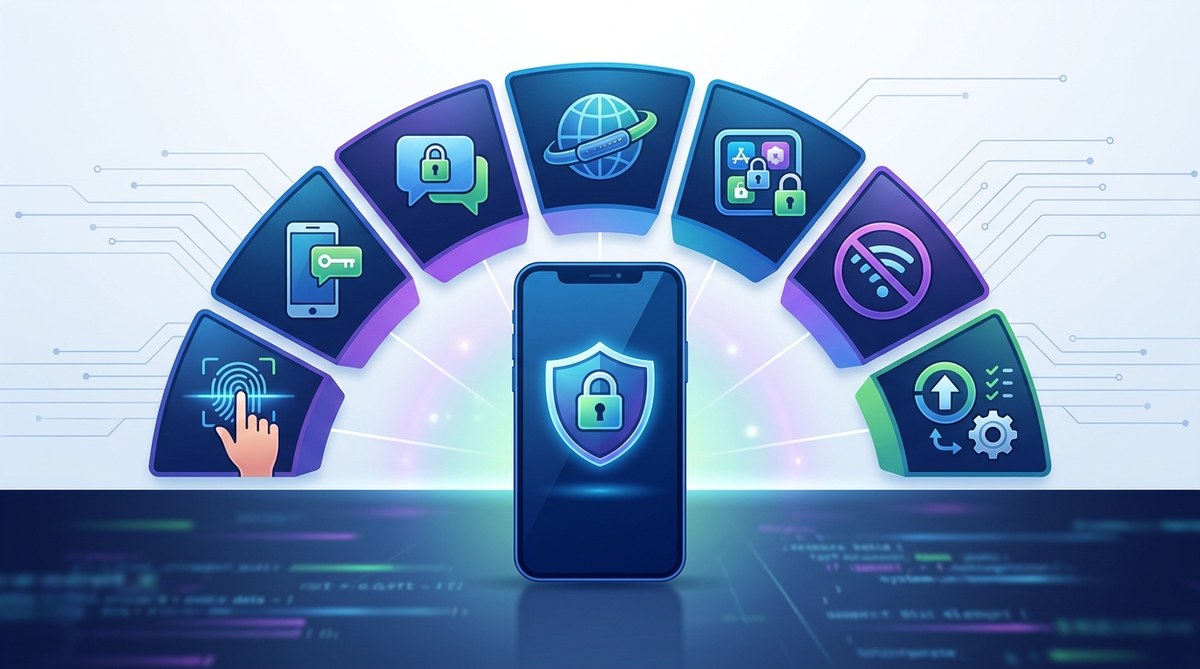
Protection of your mobile data is more crucial than ever. Hackers are constantly finding new ways to access personal information stored on smartphones. Whether you’re concerned about identity theft or simply want to keep your private messages and photos secure, adopting effective privacy hacks can make a big difference. Implementing these practical tips helps you stay one step ahead of cybercriminals and preserves your digital privacy.
Protecting your mobile data involves a combination of smart habits and utilizing security tools. From managing app permissions to using strong authentication, these privacy hacks help you keep your personal information safe from hackers and unauthorized access.
Keep your software and apps up to date
One of the simplest yet most effective privacy hacks is regularly updating your device’s operating system and apps. Developers release updates to patch security vulnerabilities that hackers might exploit. Ignoring these updates leaves your device open to attacks. Set your phone to automatically install updates or check for them weekly. This proactive approach ensures you’re always protected against the latest threats.
Use strong, unique passwords for all accounts
Weak passwords are a hacker’s favorite entry point. Use complex passwords that combine uppercase and lowercase letters, numbers, and symbols. Avoid common words or simple patterns like “123456” or “password.” For each account or app, create a unique password. Consider using a reputable password manager to securely store and generate strong passwords. This step prevents hackers from gaining access through a single compromised account.
Enable two-factor authentication
Adding an extra layer of security significantly reduces the risk of hacking. Two-factor authentication (2FA) requires you to verify your identity with a second factor, such as a one-time code sent via SMS or generated by an authentication app. Many services now support 2FA, including email, banking, and social media. Always enable this feature where available to make it harder for hackers to break into your accounts.
Manage app permissions carefully
Apps often request access to your camera, microphone, location, or contacts. Be cautious about granting permissions that aren’t necessary for the app’s core function. For example, a weather app shouldn’t need access to your contacts. Regularly review app permissions in your device settings and revoke any unnecessary access. This limits the amount of personal data apps can collect and reduces potential vulnerabilities.
Use a virtual private network (VPN)
A VPN encrypts your internet connection, shielding your online activity from prying eyes. When connected to a VPN, your data is routed through a secure server, making it difficult for hackers on public Wi-Fi networks to intercept your information. Choose a reputable VPN provider that doesn’t keep logs. This privacy hack is especially useful when browsing on unsecured networks or accessing sensitive information.
Be cautious with public Wi-Fi
Public Wi-Fi hotspots can be a hacker’s playground. Avoid conducting sensitive activities like online banking or shopping on unsecured networks. If you must use public Wi-Fi, always connect through a VPN. Additionally, disable sharing settings and turn off Wi-Fi when not in use. These simple steps prevent hackers from exploiting open networks to access your data.
Regularly back up your data
Accidents happen, and data loss can occur from theft, device damage, or malware. Back up your important data regularly to a secure location, such as cloud storage or a physical device. This ensures you can restore your information if your device is compromised. Use encrypted backup options when possible to protect your data from unauthorized access.
Be wary of suspicious links and messages
Phishing remains a common tactic for hackers to gain access to mobile data. Never click on links or download attachments from unknown or untrusted sources. Be skeptical of messages that create a sense of urgency or ask for personal information. Verify the sender’s identity before responding. Staying alert helps you avoid falling victim to scams that can compromise your privacy.
Limit data sharing on social media
Your social media profiles can reveal a lot about you. Avoid sharing sensitive details like your address, phone number, or travel plans publicly. Adjust privacy settings to restrict who can see your posts and personal information. The less accessible your data is, the lower the chance hackers can use it to target you.
Use app lock and privacy-focused tools
Adding an extra layer of security with app lock features prevents unauthorized access to sensitive apps. Many smartphones come with built-in app lockers or you can use third-party apps for this purpose. Additionally, consider privacy-focused browsers and search engines that do not track your activity. These tools help protect your data from being collected or misused.
Techniques vs. common mistakes in mobile privacy
| Techniques | Mistakes to avoid |
|---|---|
| Regular updates of OS and apps | Ignoring updates that patch security flaws |
| Strong, unique passwords | Reusing passwords across multiple accounts |
| Enabling two-factor authentication | Disabling security features that protect accounts |
| Managing app permissions | Granting unnecessary access to apps |
| Using a VPN when browsing on public Wi-Fi | Connecting to unsecured networks without protection |
| Backing up data regularly | Failing to back up important information |
| Being cautious with links and messages | Clicking on suspicious links or attachments |
| Adjusting social media privacy settings | Sharing sensitive info publicly |
Common pitfalls to sidestep
| Technique | Mistake to avoid |
|---|---|
| Using weak passwords | Using “password” or “admin” as passwords |
| Not enabling device encryption | Leaving your device unencrypted |
| Ignoring app permissions | Allowing access without review |
| Connecting to open Wi-Fi networks | Accessing sensitive info without protection |
| Neglecting to update software | Missing critical security patches |
“The key to maintaining mobile privacy is a combination of good habits and the right tools. Always stay vigilant about your data, and regularly review your security settings.” — Cybersecurity expert
Protect your mobile data with confidence
Keeping your mobile data safe takes effort but is well worth it. Regularly update your device and apps, use strong passwords, and enable extra security features like 2FA. Manage app permissions and be cautious on public Wi-Fi. Incorporate privacy-focused tools and always stay alert to potential scams. Small, consistent actions can dramatically reduce your risk of falling prey to hackers.
Remember, your privacy is your responsibility. By applying these privacy hacks, you strengthen your defenses and enjoy your smartphone with peace of mind. Take a moment today to review your security settings and make necessary adjustments. Your personal data deserves it.
Stay proactive and keep your mobile data safe. Applying these privacy hacks can make a real difference in protecting your personal information from hackers and unwanted intrusions. Your digital life is precious—shield it wisely.