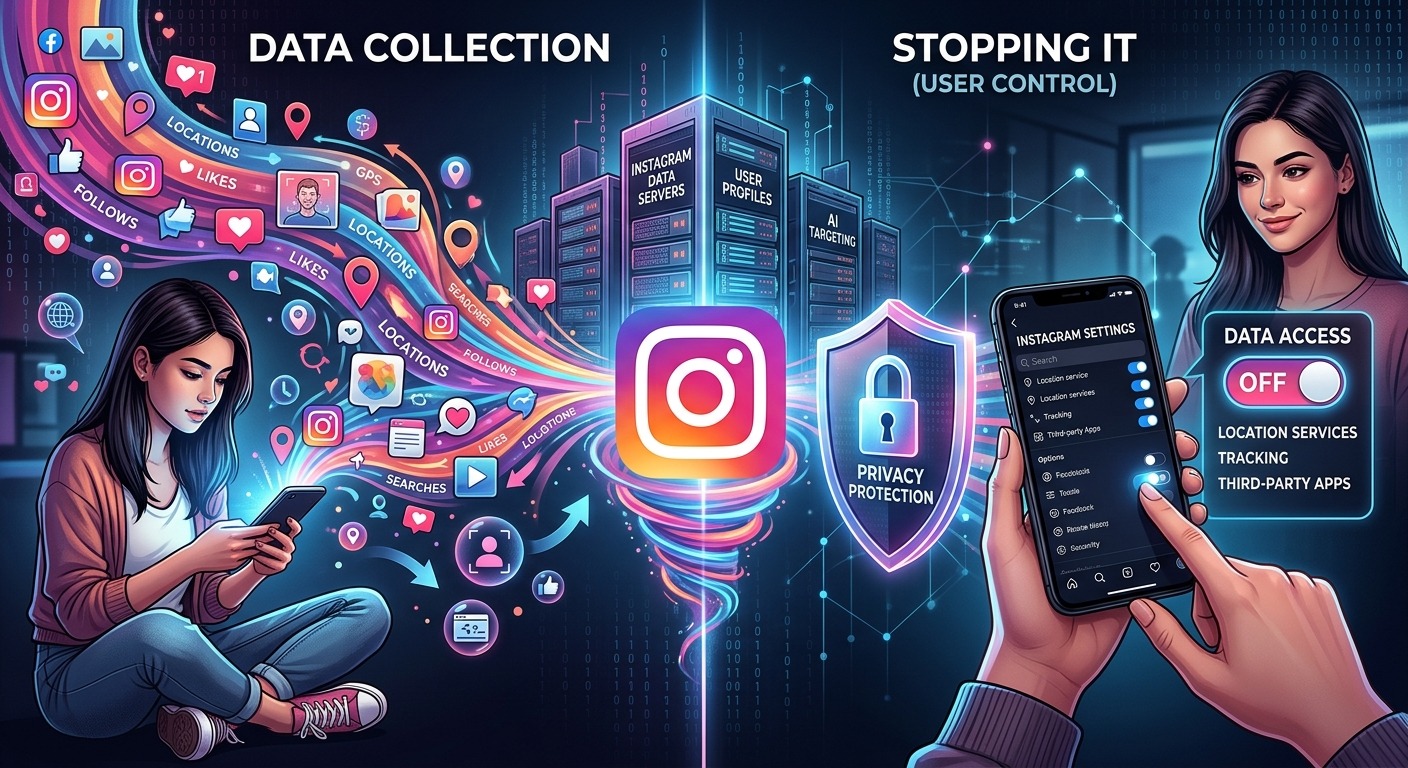
Instagram knows what time you wake up. It knows which posts you linger on, which profiles you visit at midnight, and what you search for when nobody is watching. If you signed up with your real email, left the default settings untouched, and granted every permission the app requested, you handed it a surprisingly detailed picture of your life. And the collection didn’t stop at what you shared.
Instagram’s data collection runs deeper than most users realize, and a few targeted changes can significantly limit how much it captures.
- Instagram harvests device identifiers, behavioral patterns, and cross-app browsing data, not just your profile details.
- Your primary email address creates a direct link between your real identity and your full Instagram data profile.
- Adjusting app permissions, privacy settings, and your registration email can meaningfully reduce the data Instagram holds on you.
The Data Instagram Quietly Builds on You
Most people assume Instagram only knows what they post. That assumption is wrong. Meta, Instagram’s parent company, operates one of the most comprehensive data collection systems ever built for a consumer app. Here is what it actually captures about you.
Your device identifiers are collected the moment you install the app. This includes your phone model, operating system version, and unique hardware identifiers like your device’s advertising ID. These identifiers mean Instagram can recognise you even if you create a fresh account. Your device is effectively a fingerprint.
Your email address and phone number do more than anchor your login. They feed into Meta’s broader identity graph, connecting your Instagram behavior to any Facebook account you have, your WhatsApp contacts, and any website that runs a Meta tracking pixel. That pixel is embedded on millions of ordinary websites across the internet.
Your behavioral data is recorded continuously. Every post you pause on, every profile you visit, every hashtag you tap, every ad you see, all of it is logged and used to build a profile of your interests, habits, and routines. The FTC’s guidance on consumer data privacy covers exactly how platforms monetize this kind of behavioral record, and Meta’s own documentation confirms the scope.
Your location can be captured through GPS if you grant that permission, but also passively through your IP address and the Wi-Fi networks your phone connects to. Instagram doesn’t need exact GPS coordinates to know roughly where you live, work, and travel.
Your contact list gets absorbed into Meta’s social graph if you ever granted the app address book access. This is how Instagram suggests people you might know, but it also maps your real-world relationships without those contacts ever agreeing to it.
Why Your Email Address Is a Privacy Weak Spot
Your primary email address is more than a login credential. It connects your Instagram account to everything else that email touches: banking alerts, subscriptions, your name on other platforms, years of personal correspondence.
When Meta has your main email address, it can match it against external data broker records and other platforms in its ecosystem. This process enriches your profile with details you never provided directly. Researchers call it shadow profiling. It happens automatically, with no action required from you.
The most direct way to break that link is to register with a dedicated, disposable address. Using a temp email for Instagram keeps your real inbox completely out of Meta’s identity graph. Your personal address stays clean, and the bridge between your real identity and your Instagram behavior is cut at the source.
If your existing account is tied to your main email, you can change it. Go to your profile, tap Edit Profile, and update your email to a throwaway address that you don’t use for anything sensitive. It takes under two minutes and is one of the highest-impact changes you can make.
What Instagram’s Privacy Settings Actually Control
Instagram offers a range of privacy controls, but they are not all equally effective. Some genuinely limit data collection. Others only change who can see your content without touching what Meta collects behind the scenes. Knowing the difference matters.
Instagram Privacy Settings: What Each Option Really Affects
| Setting | What It Appears to Do | What It Actually Does |
|---|---|---|
| Private Account | Hides your posts from strangers | Controls audience visibility only; does not reduce Meta’s data collection |
| Activity Status Off | Hides when you were last active | Hides status from other users; Instagram still logs your sessions internally |
| Limit Ad Tracking (iOS) | Restricts personalized advertising | Reduces cross-app tracking; Meta can still use on-platform behavioral data |
| Off-Instagram Activity | Controls cross-site tracking data | Disconnects future off-app data from your account; past data may remain stored |
| Download Your Data | Lets you view everything Instagram holds | Read-only export only; does not delete data or limit future collection |
The single most impactful setting in that list is Off-Instagram Activity. To access it, go to Settings, then tap “Your activity,” then “Off-Instagram activity.” From there you can clear your history and disable future off-app tracking. This is the control that stops Meta from tying your general web browsing to your Instagram identity.
Concrete Steps to Reduce What Instagram Captures on Your Device
Each of the following actions directly limits the data Instagram can access. None require technical skills. They only require a few minutes and a willingness to change the defaults.
- Revoke location access entirely. On both Android and iOS, set Instagram’s location permission to “Never.” GPS removal is one of the most meaningful hardware-level restrictions you can apply.
- Restrict microphone and camera access. On iOS, set these to “Ask Next Time.” On Android, go to App Permissions under Settings and toggle them off when not actively filming or calling.
- Block contact list access. Never allow Instagram to read your address book. If you already granted it, revoke the permission in your phone’s app settings immediately.
- Turn off personalized ads. Inside Instagram, go to Settings, then “Ads,” then “Ad preferences,” and disable personalization. Ads continue, but targeting becomes less precise.
- Clear Off-Instagram Activity monthly. New third-party apps and websites constantly send data to Meta, so this is not a one-time task. Build it into a regular privacy habit.
- Audit connected third-party apps. Go to Settings, then “Apps and websites.” Remove any apps you no longer use or don’t recognise. Each connected app is another potential data channel.
- Disable background app refresh. On both iOS and Android, this setting allows Instagram to run and collect data even when you are not using it. Turning it off in your phone’s general settings closes that background window.
App Permissions and Notification Settings on Mobile
Your phone’s operating system is the last barrier between Instagram and your hardware. The app requests permissions it does not strictly need to function, and the defaults lean toward granting them. Auditing these manually is worth the time.
On iPhone, go to Settings and scroll down to Instagram. Every permission listed there is worth reviewing: location, contacts, microphone, camera, photos, and background app refresh. Pay particular attention to background app refresh. This lets the app run and log data even while you are doing something completely unrelated on your phone.
On Android, navigate to Settings, then Apps, then Instagram, then Permissions. Devices running Android 12 or later include a privacy dashboard that shows a timeline of which apps accessed your camera, microphone, or location and exactly when. This is worth checking at least once. The results are often surprising.
Notification settings are a smaller but still relevant factor. Push notifications from Instagram are engineered to pull you back into the app, which generates more behavioral data through your subsequent session. Turning off non-essential notification categories in your phone’s settings reduces both the distraction and the engagement loop the app is designed to sustain.
One alternative worth considering: using Instagram through a mobile browser instead of the dedicated app. The browser version has far fewer permission vectors, cannot access your contacts, cannot run in the background, and is subject to whatever privacy settings your browser already applies. It is not a complete fix, but it is a meaningful reduction in the app’s reach.
Your Data Has a Value, and You Have the Right to Protect It
Instagram will not stop collecting data. That is the foundation of its business model. But there is a real difference between what a platform is built to collect and what you actually allow it to access. Your settings, your registration choices, and your permission grants all determine the size of that gap.
The steps in this article are not complicated. They do not require rooting your phone, installing specialized software, or giving up the app entirely. They require only time and the decision to treat your personal information as something worth protecting.
If you start anywhere, start with two changes. Clear your Off-Instagram Activity and disconnect it from future tracking. Then update the email address on your account to one that cannot be traced back to your real identity. Those two moves alone cut a significant portion of the cross-platform data collection that powers Meta’s advertising engine. The rest of the steps deepen that protection over time.
Your personal data does not have to be the price you pay for a free app. With the right settings in place, you can use Instagram on your terms.