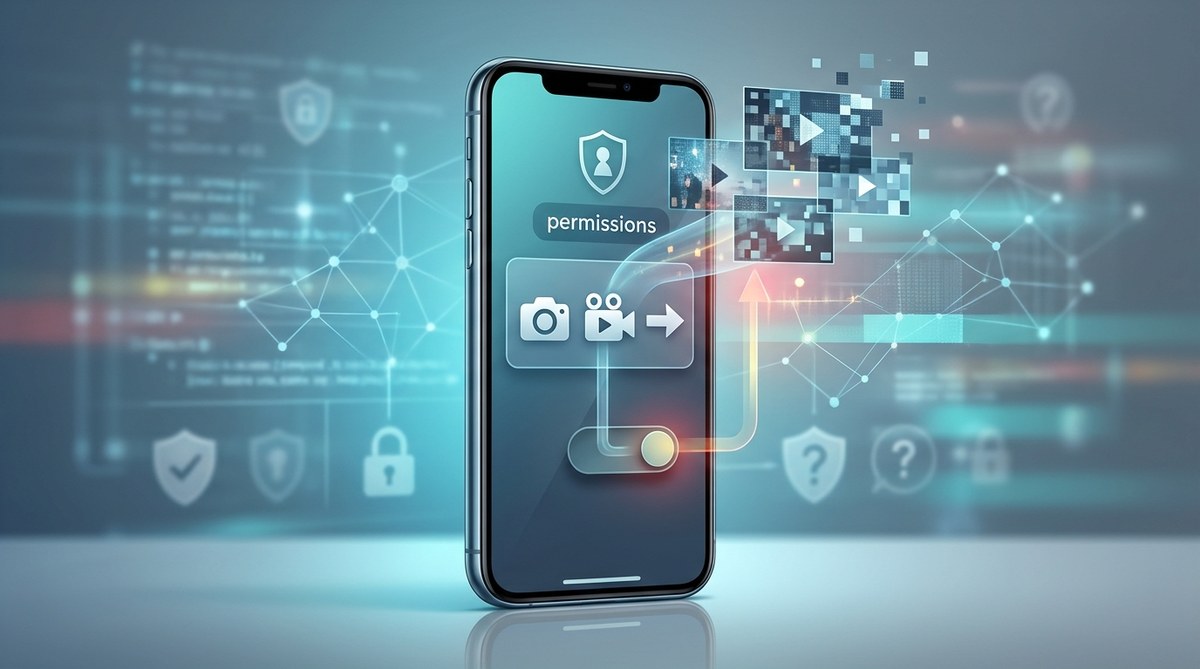
Your phone holds your private messages, banking apps, health records, and personal photos. Now imagine a shopping app, a flashlight app, or a simple game using a hidden permission to record everything on your screen without you knowing. It sounds like a scene from a spy movie, but this is a real threat in 2026. Apps secretly recording your screen without permission is a growing privacy risk that affects millions of smartphone users. The scariest part? Most people never realize it is happening.
Many apps abuse a permission called “Screen Recording” or “Accessibility Overlay” to capture your screen without a clear warning. This allows them to steal passwords, read private messages, and copy sensitive data. You can stop this by auditing app permissions, using app locking tools, and removing suspicious apps. Taking five minutes to check your phone settings today can prevent a serious privacy breach tomorrow.
The Permission That Lets Apps Record You in the Background
Every operating system has a feature designed to help people with disabilities. It is called the Accessibility API or the Screen Recording API. On Android, it is often labeled as the “Record Screen” permission. On iOS, it falls under “Screen Recording” or “Appearance” permissions. These features let legitimate apps like screen readers or recording software function properly.
The problem is that any app can request this permission. And many users tap “Allow” without reading the warning. Once granted, the app can capture your screen content even when you are not actively using it. This means a simple utility app could be recording your banking login, your private chat with a doctor, or your tax documents, all while sitting in the background.
Researchers have found dozens of apps in official app stores that request this permission without providing any real screen recording functionality. They hide behind the excuse of “improving user experience” or “analyzing app performance.” In reality, they are collecting your screen data for advertising, data brokerage, or worse.
How to Tell If an App Is Secretly Recording Your Screen
You do not need to be a security expert to spot the warning signs. Here are the most common indicators that an app might be recording your screen without your knowledge.
- Your phone feels warmer than usual or the battery drains faster after installing a new app.
- You see unexpected permission requests during app setup, especially for “Screen Recording” or “Accessibility.”
- Your data usage spikes even when you are not actively using your phone.
- You receive strange notifications about screen captures or overlays.
- An app you barely use asks for permission to “display over other apps” or “record the screen.”
If you notice any of these signs, it is time to investigate further. Do not ignore a gut feeling that something is off. Your phone should not feel like it is being watched.
Step-by-Step: How to Check and Block Hidden Screen Recording Permissions
You can take control of your privacy right now. Follow these steps to find and block apps that may be recording your screen.
- Open your phone’s main settings menu. On Android, go to “Settings” then “Privacy and Security.” On iOS, go to “Settings” then “Privacy.”
- Look for a section labeled “Permission Manager,” “App Permissions,” or “Accessibility.” The exact name varies by phone model and operating system version.
- Scroll down to find “Screen Recording” or “Record Screen.” Tap it to see a list of every app that has this permission.
- Review the list carefully. If you see an app that has no reason to record your screen, like a calculator, a wallpaper app, or a game, revoke its permission immediately.
- Remove any app that you do not fully trust. Uninstall it completely from your phone.
- Repeat this check once a month. New apps can request this permission without you noticing.
For an extra layer of protection, consider using an app locking tool that alerts you whenever an app requests sensitive permissions. This gives you a second chance to say no.
Common Tricks Apps Use to Hide Screen Recording
App developers know that users are becoming more privacy aware. So they use clever tricks to hide their intentions. The table below breaks down the most common techniques and how to spot them.
| Technique | How It Works | How to Spot It |
|---|---|---|
| Permission bundling | The app asks for “Screen Recording” inside a long list of other permissions. | Read every permission request carefully. Do not tap “Allow All.” |
| Misleading descriptions | The app says it needs screen recording for “customer support” or “app optimization.” | Ask yourself: does this app really need to see my screen to work? |
| Delayed activation | The app waits days or weeks before starting to record, so you forget you granted permission. | Check your permission list regularly, even for old apps. |
| Fake updates | An update adds screen recording permission without a clear notification. | Read update notes and review permissions after every update. |
| Third party SDKs | The app itself may not record, but it includes a software kit from another company that does. | Research the developer. If they use many tracking services, be cautious. |
“If an app asks for screen recording permission and its core function does not involve recording, teaching, or demonstrating, you should treat it as a red flag. Legitimate apps explain exactly why they need this access.” – Security researcher, 2026 mobile threat report
What to Do If You Find an App Recording Your Screen
Discovering that an app has been recording your screen is unsettling. But you can take immediate action to limit the damage.
First, revoke the screen recording permission for that app. Do this in your phone’s settings as described above. Then uninstall the app completely. Do not just delete it from your home screen. Go to your app management settings and choose “Uninstall.”
Next, change the passwords for any accounts you accessed while that app was installed. This includes email, banking, social media, and work accounts. Use a password manager to create strong, unique passwords for each service. If you want to learn more about creating secure passwords, check out our guide on how to create strong, unbreakable passwords for your mobile apps.
Finally, run a security scan using a trusted mobile security app. This can detect any leftover tracking code or hidden files.
Why App Stores Are Not Catching These Apps
You might wonder why Apple and Google allow these apps in their official stores. The truth is that app store reviewers cannot test every single line of code. They rely on developers to honestly describe what their app does. Many deceptive apps pass the initial review because they hide the screen recording feature behind a delayed trigger or a third party SDK.
App stores do remove apps once they are caught. But by that time, thousands of people may have already been recorded. That is why your own awareness is the strongest defense. Do not rely solely on store policies to protect you.
Building a Privacy Habit That Stops Screen Recording for Good
Protecting your privacy is not a one time task. It is a habit. The most effective way to stop apps secretly recording your screen without permission is to build a simple routine.
Start by auditing your app permissions once a month. Set a reminder on your calendar. When you download a new app, take ten seconds to read the permission request before tapping “Allow.” If an app asks for screen recording and you are not sure why, say no. You can always enable it later if needed.
Also, be selective about the apps you install. Stick to well known developers with a clear privacy policy. Avoid apps that have very few downloads or that seem to copy popular apps. These are often the ones that abuse permissions.
For extra protection, consider using a dedicated app lock tool that can block screen recording at the system level. This adds a barrier that even deceptive apps cannot easily bypass. You can find more tips in our article on top mobile privacy tools every user should use for better data protection.
Your Privacy Is Worth the Effort
Apps secretly recording your screen without permission is a serious threat, but it is one you can defend against. By understanding how this permission works, checking your settings regularly, and being cautious about new apps, you keep your private life private. You do not need to be a security expert. You just need to pay attention and take a few simple steps. Your phone is your personal space. Make sure it stays that way.