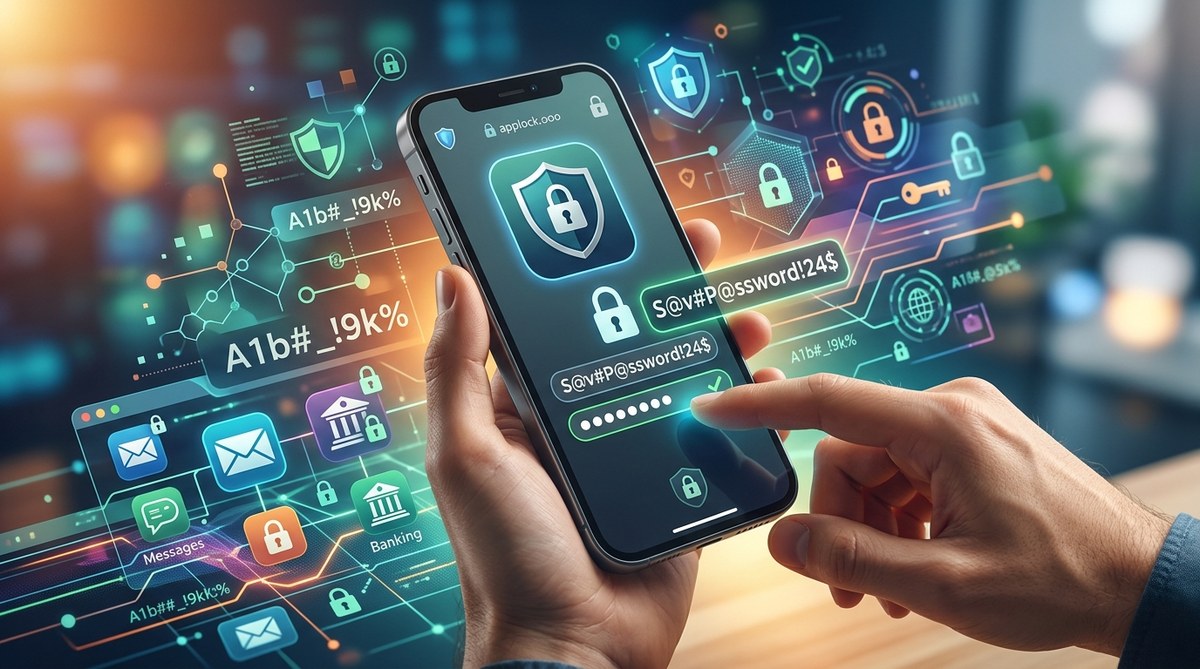
Creating secure passwords for your mobile apps is a vital step in safeguarding personal information. With countless accounts and the increasing sophistication of cyber threats, knowing how to generate strong passwords is more important than ever. But strong doesn’t have to mean complicated or impossible to remember. You can develop passwords that are both secure and easy to recall. This guide will walk you through practical strategies to create unbreakable passwords for your mobile apps and keep your digital life protected.
Creating strong passwords for mobile apps involves combining length, randomness, and uniqueness. Use a mix of characters, avoid personal info, and consider tools like password managers for maximum security. Remembering these tips can help you stay safe without the hassle of complex memorization.
Understanding what makes a password strong
Before diving into how to craft your own unbreakable passwords, it helps to understand what qualities make a password resilient against attacks. A strong password is one that is difficult for hackers to guess or crack using automated tools. It should be unique for each account and not contain easily obtainable personal information.
A secure password typically:
- Is at least 12 characters long
- Uses a mix of uppercase and lowercase letters, numbers, and symbols
- Does not include common words or predictable patterns
- Is unique and not reused across accounts
Knowing these fundamentals empowers you to create passwords that stand up to brute-force and dictionary attacks.
Practical steps to create strong passwords for mobile apps
Follow these steps to develop passwords that protect your mobile accounts effectively:
1. Use a long, random combination of characters
Aim for at least 12 characters. Longer passwords tend to be more secure. Combine random letters, numbers, and symbols. For example, a password like G7$kL9#pQw2!r is difficult to crack because of its randomness and length.
2. Incorporate meaningful but obscure patterns
Instead of random gibberish, create patterns that make sense to you but are not guessable. For instance, take a favorite phrase or a line from a song, then modify it with symbols and numbers. For example, “I love coffee on Mondays” could become !L0v3C0ff33!M0nD@ys.
3. Avoid personal information
Refrain from using birth dates, names, or other easily available data. Hackers can often find this info online or through social media. Instead, focus on unrelated words or random strings.
4. Use a password manager
Tools like LastPass or 1Password can generate and store complex passwords for all your accounts. You only need to remember one strong master password. This way, each app gets a unique password without the mental strain.
5. Regularly update your passwords
Changing passwords periodically reduces the risk of long-term breaches. Set reminders to update your most sensitive accounts. Remember, reuse is a common weak point.
6. Enable two-factor authentication (2FA)
Adding a second layer of security makes it much harder for hackers to access your accounts even if they crack your password. Use authentication apps like Google Authenticator or hardware tokens when available.
Techniques to remember your passwords without writing them down
Memorizing complex passwords can be daunting. Here are some tips:
- Use a passphrase made of several unrelated words, like
BlueTiger$Jump!River. - Create a pattern based on the first letters of a sentence or phrase you can easily recall.
- Associate parts of your passwords with memorable but unrelated concepts.
“The key is to make passwords complex enough to thwart attacks but memorable enough for you to recall without stress.” — cybersecurity expert
Common mistakes to avoid
| Mistake | Why it’s a problem | Example |
|---|---|---|
| Reusing passwords | If one account is compromised, others are at risk | Using “Password123” everywhere |
| Using obvious info | Easy for hackers to guess | Birthdate or pet names |
| Choosing short passwords | Easier to crack | “abc123” |
| Relying solely on simple patterns | Patterns are predictable | “qwerty” or “123456” |
Final tips to boost your mobile app security
- Always enable 2FA where possible. It adds a vital layer of protection beyond passwords.
- Keep your device’s operating system and apps updated. Security patches close vulnerabilities.
- Be cautious with security questions. Use fake or non-obvious answers if possible.
- Limit the amount of personal info shared online to prevent targeted attacks.
How to enhance your password strategy over time
Developing unbreakable passwords is an ongoing process. Regularly review your security setup. When a breach occurs, change your passwords immediately. Use password managers to streamline updates and ensure that you never reuse compromised credentials.
Final thoughts on creating passwords that last
Building strong passwords for your mobile apps doesn’t have to be a chore. Focus on length, randomness, and uniqueness. Use tools like password managers to ease the burden of remembering complex strings. By adopting these habits, you’ll significantly reduce the risk of unauthorized access to your accounts. Remember, staying proactive with your security is your best defense in today’s digital age.
Protect your digital life with smart password practices
Taking the time to craft strong, memorable passwords helps keep your personal and financial information safe. Implement these tips now, and consider reviewing your security measures regularly. Your digital safety depends on the choices you make today. Keep your mobile apps protected and enjoy peace of mind knowing you’ve done your part to stay secure.