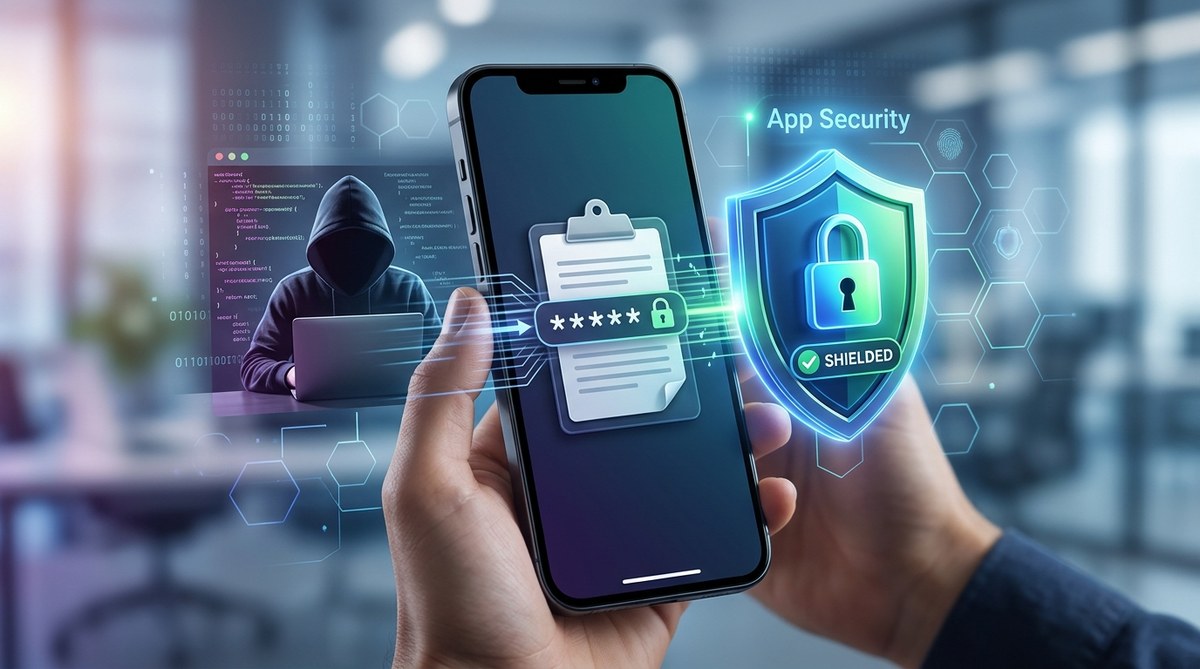
You copy a password from your password manager. You tap the field, and the app fills it in. Then you move on, not thinking about where that password went. But your phone’s clipboard doesn’t automatically forget what you copied. It holds onto that data, and any app on your device can read it without asking permission. This is the phone clipboard security risk that most people ignore, and it’s one of the easiest ways for hackers to grab your login credentials.
Your phone’s clipboard is not a secure vault. Any app, including malicious ones, can read whatever you last copied. This includes passwords, credit card numbers, and private messages. The fix is to use a password manager with autofill, clear your clipboard regularly, and install an app lock that blocks unauthorized clipboard access. Simple steps can shut down this hidden leak.
How Your Phone’s Clipboard Becomes a Security Leak
Every time you copy text on your phone, it lands in a shared space called the system clipboard. This is a simple storage area that any app can access. On both Android and iOS, there is no built-in permission check for reading the clipboard. An app can silently grab whatever is stored there the moment it runs.
Think about what you copy during a normal day. You might copy a password from your notes app. You might copy a two-factor authentication code from an authenticator app. You might copy your social security number to fill in a tax form. All of that data sits on the clipboard, waiting for any app to scoop it up.
Malware writers know this. They create apps that look innocent, like a flashlight utility or a wallpaper app, and then include code that reads the clipboard every few seconds. If they find something valuable, they send it to a remote server. This is called clipboard hijacking, and it has become a standard tactic in mobile malware campaigns.
Who Is Stealing Your Clipboard Data Right Now
Clipboard theft is not a theoretical threat. Security researchers have documented multiple malware families that target the clipboard on mobile devices. Here are the common culprits:
- Trojanized apps downloaded from unofficial app stores or shady websites
- Fake system update prompts that trick you into installing malicious software
- Adware bundles that piggyback on free apps and games
- Remote access Trojans (RATs) that give attackers full control over your phone
- Keyloggers with clipboard monitoring that steal everything you copy
A 2025 report from a major cybersecurity firm found that clipboard theft was involved in 18% of mobile credential theft incidents. That number is climbing as more people use password managers and copy-paste their login details.
Why Your Password Manager Can’t Fully Protect You
Password managers are excellent tools. They generate strong passwords and store them securely. But they also rely on the clipboard when you copy a password to paste it into a login field. At that moment, your password is exposed.
Some password managers try to clear the clipboard after a few seconds. This helps, but it is not foolproof. A malicious app can read the clipboard instantly, before the auto-clear kicks in. Other password managers use autofill instead of copy-paste, which bypasses the clipboard entirely. That is the safer option, but not all apps support autofill.
If you want to learn more about choosing the right tool, check out our guide on top 5 password managers to secure your mobile devices in 2026.
How Hackers Exploit the Clipboard: A Real-World Example
Imagine you download a free QR code scanner from a random website. The app works fine for scanning codes, so you don’t suspect anything. But in the background, it runs a clipboard monitor. Later that day, you log into your bank account. Your browser asks if you want to save the password. You say yes. Then you copy your account number to send in a payment. The QR code scanner grabs that account number and sends it to a server in another country.
This is not a hypothetical story. Researchers at several universities have demonstrated this exact attack using apps available on third-party app stores. The apps passed basic security checks because they did not ask for suspicious permissions. They only read the clipboard, which is not a permission that requires user approval on most devices.
The Big Mistake: Treating the Clipboard Like a Secure Space
Many people assume that if they lock their phone with a PIN or a fingerprint, their clipboard data is safe. That is not true. Phone locks protect against physical access, not against apps running on the device.
Here is a breakdown of common mistakes and the correct approaches:
| Mistake | Why It Is Dangerous | The Fix |
|---|---|---|
| Copying passwords manually | Leaves passwords on the clipboard for any app to read | Use autofill instead of copy-paste |
| Using apps from unknown sources | These apps often contain clipboard-stealing malware | Stick to official app stores and read reviews carefully |
| Ignoring clipboard history features | Clipboard history apps store everything you copy, creating a permanent record | Disable clipboard history or use a privacy-focused alternative |
| Believing auto-clear is enough | Malicious apps can read the clipboard instantly | Use a password manager with direct autofill integration |
3 Steps to Stop Clipboard Theft on Your Phone
You can close this security gap without becoming a tech expert. Follow these three steps to protect your clipboard data.
-
Switch to autofill for all passwords. Most modern password managers support autofill on both Android and iOS. This method sends the password directly to the login field without touching the clipboard. If an app or website does not support autofill, consider using a different service.
-
Install an app lock that monitors clipboard access. Some security apps can alert you when another app reads your clipboard. They can also block unauthorized access. Look for an app lock that includes clipboard protection as a feature. Our guide on best app locking strategies to secure your private apps and files can help you choose the right one.
-
Clear your clipboard after every sensitive copy. Make it a habit to copy a random word or number after you paste a password. This overwrites the clipboard with harmless data. Some keyboard apps include a one-tap clipboard clear button.
What to Look For in a Clipboard-Safe App Lock
Not all app locks are created equal. Some only lock the app screen, while others actively monitor system behavior. When choosing an app lock to protect against clipboard theft, look for these features:
- Real-time clipboard monitoring that alerts you when an app reads the clipboard
- A whitelist system that only allows trusted apps to access clipboard data
- Automatic clipboard clearing after a set time period
- Integration with your password manager for seamless autofill
- No data collection or telemetry that could leak your clipboard contents
The top mobile privacy tools every user should use for better data protection includes several options that meet these criteria.
What Not to Do: Dangerous Workarounds to Avoid
Some people try to outsmart clipboard thieves with creative workarounds. These usually backfire.
- Typing passwords manually every time. This is slow and exposes you to keyloggers and shoulder surfing. It also increases the chance of typing errors that lock you out of your accounts.
- Using a separate “typing only” device. This defeats the purpose of having a smartphone and creates new security risks around device synchronization.
- Storing passwords in a notes app. Notes apps are not encrypted and are often backed up to the cloud. If your notes app is compromised, all your passwords are exposed.
- Disabling the clipboard entirely. You cannot disable the system clipboard on a standard smartphone. It is a core part of the operating system.
How to Check If Your Clipboard Has Been Compromised
You cannot always tell if an app has read your clipboard. But there are signs that something is wrong.
- Unexpected account login attempts. If you start seeing password reset emails for accounts you did not touch, someone may have stolen your credentials.
- Battery drain or unusual data usage. Clipboard malware often phones home to a server, which uses data in the background.
- Apps crashing or behaving strangely. Malware can destabilize your phone’s normal operations.
- New apps you did not install. Some clipboard malware installs additional payloads without your knowledge.
If you notice any of these signs, run a security scan on your phone and change your passwords immediately. Our guide on 7 signs your apps are compromised and what to do walks you through the full process.
“The clipboard is the most overlooked attack surface on modern smartphones. Users spend hours locking down their app permissions and network settings, but they forget that the clipboard is an open door for any app to walk through.” — Mobile security researcher, 2026
Build a Clipboard-Safe Routine Starting Today
You do not need to become paranoid about every copy and paste. You just need to build one new habit: use autofill instead of copy-paste for sensitive data. That single change eliminates the vast majority of clipboard theft risks.
Combine that with a good app lock that monitors clipboard access, and you have closed a security hole that most people do not even know exists. Your passwords, credit card numbers, and private messages will stay where they belong, inside your apps and away from prying code.
For a deeper look at how app locks work against modern threats, read our article on why your app lock fails against clipboard hijackers and how to stop it.
Your Clipboard Deserves Better Protection
Your phone’s clipboard was designed for convenience, not security. It was never meant to hold passwords or financial data. But that is exactly what we use it for every day. The good news is that the fix is simple. Use autofill. Install a clipboard-aware app lock. Clear the clipboard after sensitive copies. These three actions will stop hackers from stealing your data through a hole you did not know existed. Start today, and give your clipboard the protection it deserves.