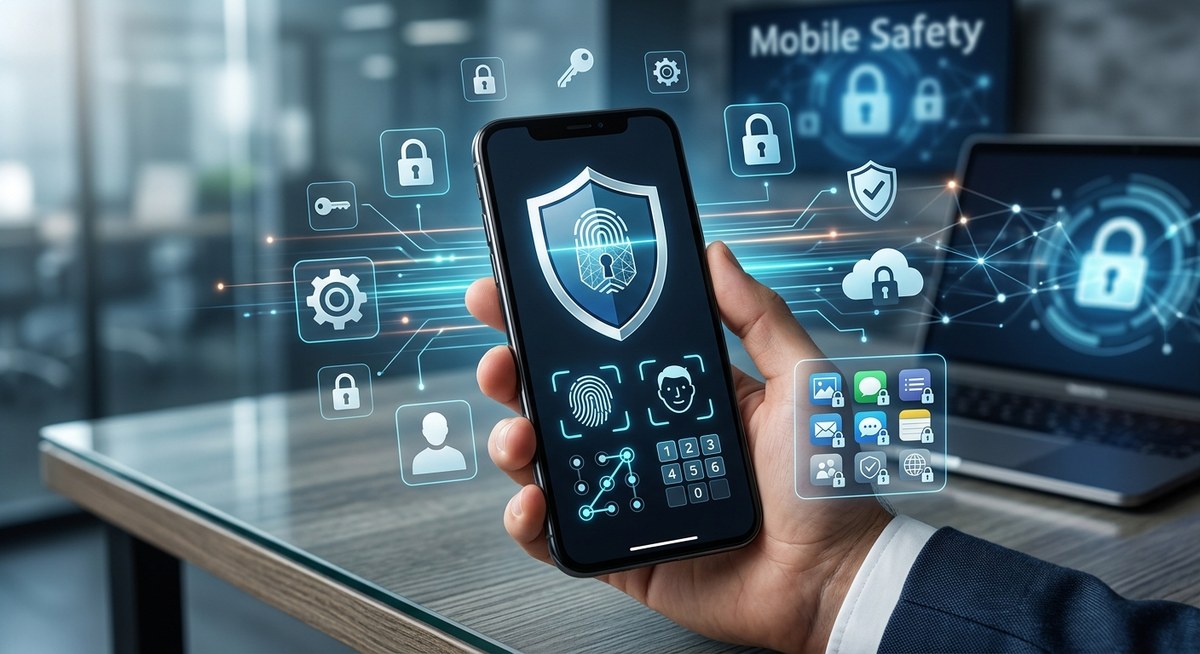
Locking your apps on Android might seem simple, but for those truly committed to privacy, it requires a thoughtful approach. With so many ways to protect sensitive information, knowing the best strategies can make all the difference. Whether you’re guarding personal messages, banking apps, or private files, the right security methods ensure your data stays yours alone. Let’s explore proven techniques to lock apps effectively and keep your Android device secure.
Implementing layered app locking strategies on your Android device enhances privacy significantly. Use built-in features, third-party apps, and best practices to create a comprehensive security plan that keeps your sensitive information safe from unauthorized access.
Understanding the importance of app locking for privacy
In today’s world, personal data is more vulnerable than ever. From social media accounts to financial apps, your private information needs protection. Locking apps prevents unauthorized access, especially when sharing your device with family or colleagues. It also guards against accidental openings that could expose sensitive content. The goal is to create multiple layers of defense, making it difficult for anyone to access your data without your permission.
How to lock apps on Android effectively
There are several ways to lock apps on your Android device. Combining these methods offers the best protection. Here’s a practical, step-by-step guide:
1. Use built-in Android app locking features
Many Android devices come with native options to secure individual apps. For example, some phones include a Digital Wellbeing or Security feature that allows you to set app-specific locks. Check your device settings under privacy or security options to activate these features.
2. Install trusted third-party app lockers
Third-party app lockers provide advanced locking options if your device lacks built-in features or if you want extra control. Popular apps like Norton App Lock, AppLock by DoMobile, or Smart AppLock allow you to lock apps with PINs, passwords, or fingerprint authentication. These apps often offer additional features like hiding apps or customizing lock screens.
3. Enable app locking through digital security apps
Some security suites include app locking as part of their package. For example, antivirus or privacy-focused apps often have app lock modules that integrate seamlessly. Using these tools can simplify management and provide centralized control over your device’s security.
4. Follow best practices for maintaining app security
Besides locking apps, consider these habits:
- Regularly update your device and apps to patch security vulnerabilities.
- Use strong, unique passwords for your device and app locks.
- Enable biometric locks such as fingerprint or facial recognition for faster, secure access.
- Avoid downloading apps from unofficial sources to prevent malicious software.
5. Practice cautious sharing and storage habits
Even with locks in place, avoid storing sensitive data in unprotected locations. Use encrypted storage options or secure cloud services for important files. Never leave your device unlocked in public spaces.
Common mistakes to avoid when locking apps
| Technique | Mistake | Impact |
|---|---|---|
| Using weak passwords | Simple PINs or passwords | Easy to guess, reducing security |
| Relying solely on built-in lock features | Ignoring third-party options | Limited flexibility and control |
| Not updating apps regularly | Ignoring updates | Leaving vulnerabilities open |
| Sharing device access carelessly | Giving access without locks | Data exposure risk |
Expert tip: Combining multiple app locking methods with good security habits creates a robust barrier. Don’t depend on just one solution. Layering protections ensures that even if one layer fails, others keep your privacy intact.
Practical steps to enhance your app locking strategy
Here’s a simple, effective process:
- Assess your sensitive apps: Identify which apps hold private information. Banking, messaging, email, and photo apps are top priorities.
- Enable built-in locks or install a trusted app locker: Use your device’s native features or download a reputable third-party app.
- Set strong, unique PINs or passwords: Avoid common patterns or simple numbers. Use a combination of letters and numbers where possible.
- Activate biometric locks: Use fingerprint or facial recognition for quick and secure access.
- Update regularly: Keep your device and apps current to patch security flaws.
- Limit device sharing: Be cautious about who has access to your unlocked device.
- Encrypt your device: Enable full device encryption if available to protect data at rest.
- Review permissions: Regularly check app permissions and revoke access to unnecessary features.
Why layered app locking matters
Relying on a single method may leave gaps. Combining device settings, third-party tools, and good security habits creates a more resilient defense. For example, locking an app with a PIN, enabling biometric authentication, and encrypting your device form a powerful trio that deters most unauthorized attempts.
Common pitfalls to watch out for
| Technique | Mistake | Consequence |
|---|---|---|
| Using simple passwords | PINs like 1234 | Easily guessed by intruders |
| Relying only on device lock | No app-specific lock | Data can be accessed if device is unlocked |
| Ignoring app updates | Outdated apps | Vulnerabilities remain unpatched |
| Sharing access | Giving device to friends or family | Increased risk of data exposure |
Final advice for maintaining your privacy
Locking apps is an ongoing process. Regularly review your security settings, update passwords, and stay aware of new threats. Consider setting up alerts for suspicious activity and periodically auditing your device for vulnerabilities. Remember, a layered approach significantly reduces the chance of unauthorized access.
Putting your privacy first with smart app locking
Taking control of your Android device’s security doesn’t have to be complicated. Combining built-in features, reliable third-party apps, and good security practices makes your private data much harder to reach. Start with the most sensitive apps and gradually build your defenses. With a little effort, you can enjoy your device knowing your privacy is protected.
By adopting these best app locking strategies for privacy, you build a strong foundation for digital safety. Keep your personal information locked down and enjoy the peace of mind that comes with proactive security measures. Your privacy deserves it.