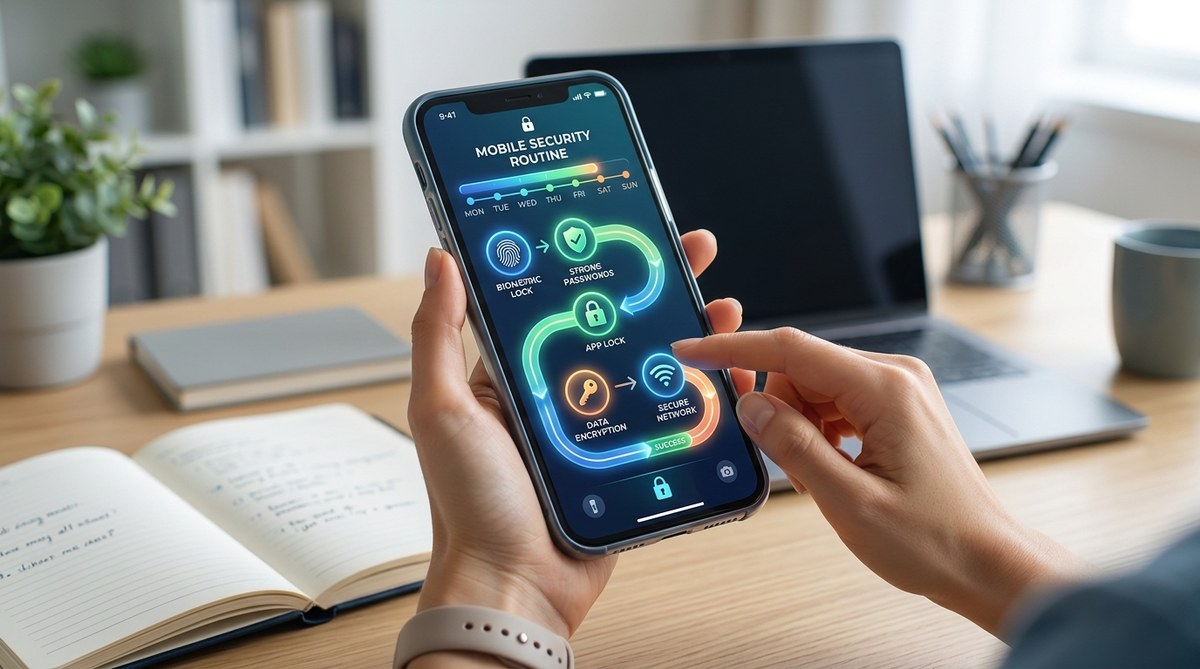
You open your phone to pay a bill, check a school email, or send a quick photo to a friend. In that moment, you are not thinking about hackers or data leaks. You are just trying to get through the day. But the reality of 2026 is that your smartphone holds your entire life: banking, family photos, work messages, health records. Protecting it does not need to be a second job. You just need a mobile security routine that is simple enough to stick.
A sustainable mobile security routine does not require an hour of setup each week. By focusing on three daily habits, a few weekly checks, and one monthly review, you can block most common threats. This guide gives you a practical plan that works with your schedule, not against it, so you stay protected without the stress.
Why Most Security Advice Fails
The biggest problem with typical security guides is that they assume you have unlimited time. They tell you to change every password monthly, install five different apps, and audit every setting. That advice works for a security professional, not for a parent juggling school drop offs or a professional racing between meetings.
A good mobile security routine respects your time. It focuses on the actions that give you the most protection for the least effort. It also builds on habits you already have, like charging your phone at night or checking email in the morning.
The Three Minute Daily Check
You can build the foundation of your whole routine in about three minutes each day. Do this while your morning coffee brews or as you wait for your kids to grab their backpacks.
-
Check for pending updates. Go to your phone settings and see if any system or app updates are waiting. If you see one, tap update now. Do not put it off. Updates often fix security holes that hackers are actively using.
-
Review your lock screen. Make sure your phone locks automatically after one minute of inactivity. If you have to unlock it every time you pick it up, that is a good sign. If your screen stays open, change the auto lock setting right there.
-
Scan for unusual notifications. Look at your notification panel. Do you see a login attempt from a city you do not recognize? A password reset email you did not request? If anything looks wrong, take a screenshot and investigate later.
Your Weekly Privacy Sweep
Once a week, set aside ten minutes for a deeper check. Sunday evening works well for many people. Open your phone and go through this bulleted list:
- Open your app permissions list (on iPhone, go to Settings > Privacy > App Permissions; on Android, go to Settings > Security & Privacy > App Permissions).
- Remove any app you do not recognize or have not used in three months.
- Check which apps have access to your camera and microphone. Disable access for anything that does not need it.
- Look at your location sharing settings. Make sure only essential apps like maps can see your location.
- Review your saved Wi Fi networks. Delete any old networks, especially public ones from coffee shops or airports.
This weekly sweep catches the apps that quietly collect data in the background. It is one of the most effective ways to tighten your mobile security routine without much effort.
Monthly Password and Account Audit
Once a month, spend fifteen minutes on your accounts. This is the part of the routine that most people skip, but it matters a lot.
| Action | Why It Matters | How Often |
|---|---|---|
| Change reused passwords | A breach on one site leaks your login for others | Every 3 months |
| Enable two factor authentication | Adds a second barrier even if your password is stolen | Enable on all accounts now |
| Check for data breaches | See if your email or phone number has been exposed | Monthly |
| Review backup codes | Ensure you can still access accounts if you lose your phone | Monthly |
| Delete old accounts | Old accounts are often left unsecured | Every 6 months |
Use a password manager to generate and store strong passwords. This removes the temptation to reuse the same password across sites. For a list of reliable options, check out our guide to the top 5 password managers to secure your mobile devices in 2026.
Common Mistakes That Break Your Routine
Even a good routine can fall apart if you make these errors. Avoid them to keep your habits solid.
- Using the same PIN for your phone and your banking app. If someone sees you type your phone PIN, they now have access to your money. Use different PINs for different apps.
- Ignoring app updates because they take too long. A delayed update is a window for attackers. Let updates run overnight while you sleep.
- Leaving Bluetooth on all the time. Turn Bluetooth off when you are not using headphones or a smartwatch. This prevents nearby attackers from connecting to your device.
- Clicking “Allow” on every app permission request. Many apps ask for access to your contacts or camera even when they do not need it. Deny these requests.
“The single biggest mistake I see is people treating their phone like a toy instead of a computer. Your phone is a powerful device that stores your entire digital life. Treat it with the same caution you would use for a laptop.” * – Sarah Chen, mobile security researcher*
How to Handle Public Wi Fi Without Panic
Public Wi Fi is a weak point for many people. You are at the airport, the hotel lobby, or a coffee shop. You need to check your email or pay for something. Here is how to stay safe without avoiding Wi Fi entirely.
First, always use a VPN when connecting to public networks. A VPN encrypts your traffic so that anyone on the same network cannot see what you are doing. Second, turn off file sharing and automatic network joining in your phone settings. Third, avoid logging into banking or health apps on public Wi Fi unless you absolutely must. If you do need to log in, use your phone’s mobile data instead of the public network.
For more specific tips, read our article on 7 app security features you must enable before connecting to public Wi Fi.
What About Your Family’s Devices?
If you manage security for your kids or older parents, the routine changes slightly. For children, focus on app permissions and screen time limits. For older relatives, emphasize recognizing phishing texts and calls. The core three minute daily check still applies to everyone.
You can also use an app locker to protect sensitive apps like banking or messaging from prying eyes. Tools like AppLock let you lock individual apps behind a PIN or biometric scan. This is especially useful if you hand your phone to a child to watch a video, or if you leave it on a table during a meeting. Learn more about best app locking strategies to secure your private apps and files.
Build Your Routine Around Real Life
The best mobile security routine is the one you actually follow. Do not try to do everything at once. Start with the three minute daily check for one week. Add the weekly sweep the next week. Then add the monthly audit. After a month, the habits will feel automatic.
If you miss a day, do not stress. Just pick up the next day. Consistency matters more than perfection. Your phone is a tool that serves you, not a burden that controls you.
One Final Habit That Changes Everything
The single most powerful habit you can build is this: pause before you tap. Before you install an app, before you click a link in a text message, before you grant a permission, pause for three seconds. Ask yourself if it makes sense. Does this app really need access to your contacts? Does this text from “your bank” look slightly off? That three second pause stops almost every phishing attempt and permission grab.
Build that pause into your mobile security routine. It costs nothing, takes no time, and protects you more than any app ever could. Your phone holds your messages, your memories, and your money. Treat it with the same care you give your wallet or your house keys. Start today with the three minute check. You have got this.