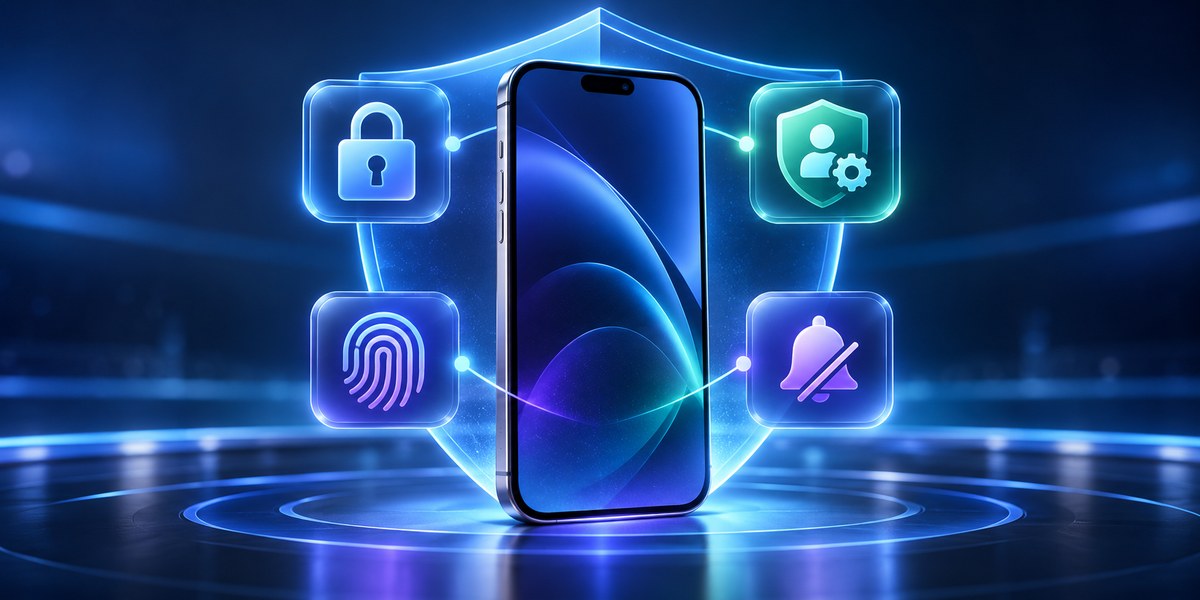
Your phone knows almost everything about you. Where you sleep, who you text, what you buy, even how you feel on a given Tuesday. And every app on that phone is asking nicely for permission to collect that data. Most people tap “Allow” without reading a single line. That reflex is the single biggest risk to your privacy today. The good news? Fixing it takes less than 15 minutes. You don’t need to be a security expert. You just need to know which switches to flip. Let’s walk through the app security settings that actually matter in 2026.
Your privacy is not protected by default. The apps you trust every day often have built-in settings that can block location tracking, limit data sharing, and stop background recording. This guide shows you exactly which controls to change on your phone right now. You will learn to audit permissions, revoke access, and lock down your personal data without any technical skills. Small changes make a real difference.
The Permissions You Gave Away Without Thinking
Every time you install an app, it asks for access to something. Your camera, your microphone, your contacts, your location. Most people treat these requests like a boring terms of service page. They click through and forget about it. But those permissions stay active forever unless you manually revoke them.
Think about the last time you installed a weather app. Did it really need your precise GPS location to show you a forecast? Probably not. But it asked anyway. And you probably said yes.
Here is a list of permissions that are almost always overreaching:
- Access to your camera
- Access to your microphone
- Background location tracking
- Read and write access to your contacts
- Access to your photo library
- Permission to send push notifications
- Ability to run in the background
Each one of these is a potential leak. And most apps will keep using them until you step in.
The Four Settings That Matter Most in 2026
Based on the latest threats and privacy research, these are the four app security settings you should adjust right now. They are not hidden. They are just buried in menus most people never open.
1. App Permission Manager (Your Privacy Control Center)
Both Android and iOS have a master list of every permission you have ever granted. You can find it in your system settings. On Android, look for “Privacy” then “Permission manager.” On iPhone, go to “Settings” then “Privacy” then “App permissions.”
What to do:
- Open your phone’s permission manager.
- Scroll through the list of apps that have access to your microphone.
- Revoke access for any app that does not need it. Social media apps, games, and shopping apps rarely need your mic.
- Repeat for camera access, location, and contacts.
- Check the list again in 30 days. Some apps will ask for permissions again after updates.
2. Background Data and Activity Controls
Many apps continue to collect data even when you are not using them. They run in the background, upload usage stats, and track your behavior across other apps. This is not just about ads. Background activity drains your battery and exposes your habits to third parties.
On Android, you can restrict background data per app in the app’s info page. On iOS, you can limit background refresh under “Mobile data” settings. For social media apps specifically, you can disable background video autoplay and prefetching.
| Setting | What It Does | Why It Matters |
|---|---|---|
| Background data limit | Prevents apps from using data when idle | Stops hidden tracking and saves battery |
| App refresh interval | Controls how often apps sync in the background | Reduces data leaks between syncs |
| Location history | Stops apps from recording where you have been | Blocks movement profiling |
| Clipboard access | Prevents apps from reading copied text | Protects passwords and sensitive info |
3. App Lock and Biometric Authentication
Your phone’s lock screen is not enough. If someone gets past your PIN, they have access to every app you own. That is why individual app locking is so important. You can set specific apps to require a fingerprint, face scan, or separate password every time they open.
Most banking apps already have this feature. But you can extend it to messaging apps, email, photo galleries, and password managers. On Android, use the “App lock” feature in your security settings. On iOS, you can use the built-in “App lock” for sensitive apps. There are also third-party tools that add an extra layer.
For a deeper look at protecting your most sensitive apps, check out our guide on best app locking strategies to secure your private apps and files.
4. Clipboard and Notification Privacy
This is the setting most people miss. When you copy a password or a private message, it stays on your clipboard. Many apps can read that clipboard without asking. In 2026, clipboard hijacking has become a common attack vector for stealing credentials.
To protect yourself:
- Turn off clipboard access for all apps except your keyboard or password manager.
- Disable notification previews on your lock screen. This stops anyone from reading your messages without unlocking the phone.
- Set sensitive app notifications to “hidden” or “no content” mode.
These four settings alone will close the most common data leaks that affect smartphone users today.
How to Audit Your Apps in Under 10 Minutes
You do not need to spend an afternoon on this. Here is a practical process you can follow right now.
- Open your app list and sort by “Last used.” Start with apps you have not opened in 90 days. Uninstall them.
- For the remaining apps, open your permission manager. Revoke anything that seems unnecessary.
- Check each app’s in-app settings. Look for “Privacy,” “Data,” or “Permissions.” Turn off data sharing and ad personalization.
- Enable app lock for your top five most sensitive apps (banking, messaging, email, photos, notes).
- Set a monthly reminder on your calendar to repeat steps 1 through 4.
That is it. Ten minutes. Once a month. You will be more protected than 90 percent of smartphone users.
Common Mistakes That Undo All Your Work
Even people who care about privacy make these errors. Avoid them.
- Granting permissions permanently because an app “needs it to work.” Sometimes that is true, but often the app can function with a limited version of the permission.
- Ignoring app updates that reset your privacy settings. Developers sometimes push updates that turn settings back to default. Always check after a major update.
- Using the same app lock PIN for everything. If someone sees you type it once, they have access to all your locked apps.
- Forgetting about third-party logins. When you sign into an app using Google or Facebook, you give that app access to your Google or Facebook data. Review those connected apps regularly.
For more on this topic, read about 6 app security mistakes that put your personal data at risk.
What the Experts Recommend
“The average smartphone user has granted over 200 app permissions they cannot remember. Most of those permissions are still active. The single most effective privacy action you can take is to audit your permissions every 30 days. It takes less time than scrolling through social media, and it protects data that cannot be replaced.” – Mobile Security Researcher, 2026
That advice is not dramatic. It is practical. And it works.
A Simple Table to Track Your Progress
Use this table as a checklist. Mark each item when you have completed it.
| Area | Status | Next Review |
|---|---|---|
| Permission manager audit | [ ] | 30 days |
| Background data controls | [ ] | 60 days |
| App lock enabled for sensitive apps | [ ] | 90 days |
| Clipboard access restricted | [ ] | 30 days |
| Lock screen notifications hidden | [ ] | 90 days |
| Third-party login connections reviewed | [ ] | 60 days |
Your Privacy Starts With These Small Changes
You do not need a new phone. You do not need to delete every app. You just need to take control of the settings that are already there. The companies that make your apps are counting on you to ignore these controls. They want your data. That is how they make money.
But you have the power to say no. Flip the switches. Revoke the permissions. Lock down the apps that matter most. And do it again next month. Your privacy is not a one time setup. It is a habit. And habits are built one small action at a time.
For a complete walkthrough of how to lock your entire phone down, take a look at our essential tips to protect your mobile apps from unauthorized access. The steps are simple, and they work on any modern smartphone.