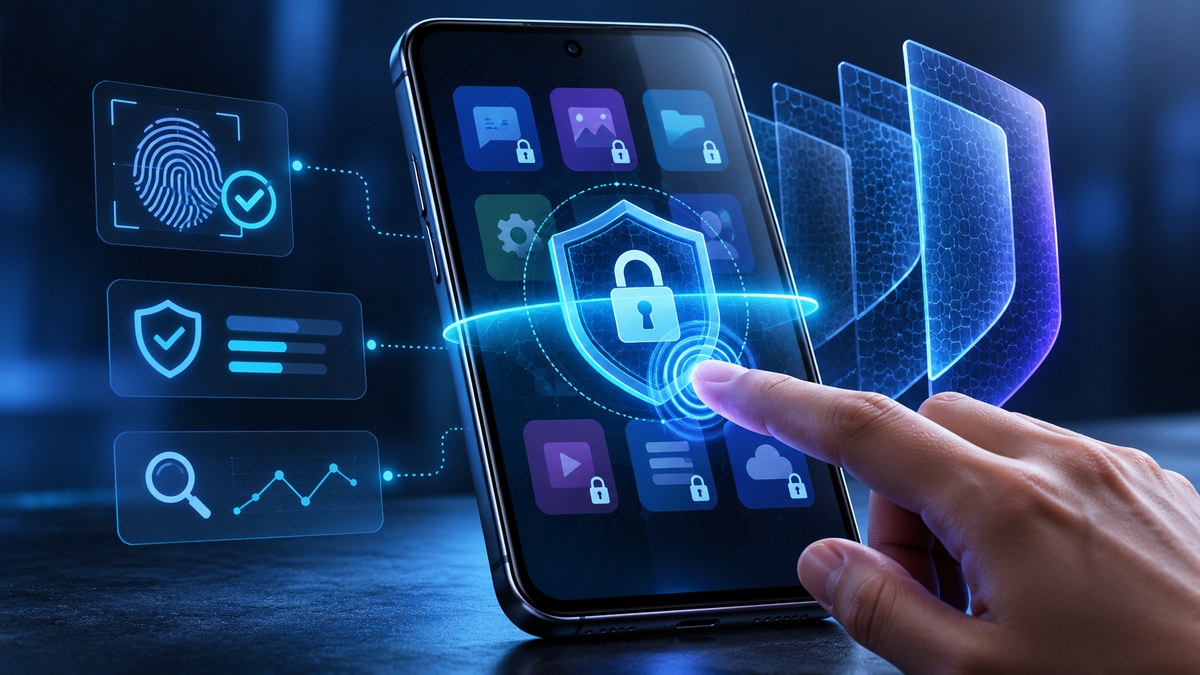
You lock your front door every night. You probably set a PIN on your phone. But what about the individual apps on that phone? Banking apps, messaging apps, email, photo galleries. If someone grabs your unlocked phone, can they open your banking app and drain your account? Can they scroll through your private messages? For most people, the answer is a scary yes. The app lock feature on your phone is supposed to stop that. But is it really working the way you think it is?
A phone app lock security test reveals that many built-in locks are weaker than you assume. Simple PINs, forgotten permissions, and notification previews can all bypass your protection. This guide walks you through a practical security test, highlights common mistakes, and shows you how to fix vulnerabilities so your private apps stay truly locked.
How to Run Your Own Phone App Lock Security Test
The best way to know if your lock works is to test it yourself. You do not need any special tools. You just need a few minutes and a clear checklist. Here is a simple process you can run right now.
-
Check the lock type. Open your phone settings and look for the app lock or app security section. Does it use a PIN, a pattern, a password, or biometrics like your fingerprint or face? Write down what you find. A four-digit PIN is the weakest option. Biometrics or a strong password is better.
-
Test the lock from the lock screen. Hand your phone to a friend (or just set it down and pretend). Lock the phone completely. Now try to open an app that you think is protected. If the app opens without asking for a password, your lock is not working at the app level. It is only protecting the phone screen, not the app itself. This is a huge gap.
-
Test the lock from inside the phone. Unlock your phone normally. Now try to open your banking app. Does it ask for a password or fingerprint? If not, anyone who sees your phone unlocked has full access. Next, try to open your messaging app. Can you read old messages without any extra step? That is a failure.
-
Check notification previews. This is a sneaky one. Lock your banking app. Now have someone send you a text. Look at the notification that pops up on your locked screen. Does it show the message content? If your phone shows message previews on the lock screen, your app lock is useless for that app. The data leaks out before you even open the app.
-
Test for bypass using the camera and microphone. Open your camera app. Can you take a photo without unlocking the phone first? Many phones let the camera bypass the lock screen. That means someone can take photos of your private documents or your face without permission.
Common App Lock Mistakes That Break Your Security
Even if you think you have set everything up correctly, small mistakes can leave you exposed. Here are the most common errors people make.
- Using the same PIN for everything. Your phone lock PIN, your banking app PIN, and your email password are all the same. If someone watches you type your phone PIN, they now have access to everything.
- Forgetting about app permissions. You locked your messaging app. But you gave that app permission to read your contacts, your calendar, and your location. The lock stops someone from opening the app, but the app is still collecting data in the background. Check your app permissions regularly.
- Relying on face unlock alone. Face unlock is convenient. But if you look similar to a family member, or if someone holds your phone up to your sleeping face, the lock can be bypassed. Use a secondary PIN as a backup.
- Not locking the app switcher. On some phones, you can swipe through open apps without unlocking the phone. If your banking app is still open in the background, someone can swipe to it and see your balance. Close apps completely when you are done.
- Ignoring clipboard access. You copy a password from your password manager. Then you switch to your banking app to paste it. The clipboard still holds that password. Another app on your phone can read the clipboard without asking. This is a known vulnerability. Use a password manager that clears the clipboard automatically.
Techniques and Mistakes at a Glance
This table shows you which techniques are strong and which common mistakes can ruin your security.
| Technique or Mistake | What It Does | How Secure Is It? | How to Fix It |
|---|---|---|---|
| Four-digit PIN | Locks the app with a simple number code | Weak. Easy to guess or shoulder surf | Switch to a longer alphanumeric password or biometrics |
| Biometric lock (fingerprint or face) | Uses your unique physical traits | Strong, but can be tricked with photos or sleeping faces | Enable a fallback PIN that is different from your phone PIN |
| Notification previews on lock screen | Shows message content before you unlock | Very weak. Leaks private data | Turn off notification previews in your phone settings |
| App permissions left on | Apps collect data in the background | Weak. Your data is still exposed | Audit and revoke unnecessary permissions monthly |
| Clipboard hijacking | Another app reads your copied passwords | Weak. Passwords are exposed | Use a password manager that clears the clipboard |
| Locking the phone screen only | Protects the home screen, not individual apps | Very weak. Anyone can open apps | Use a dedicated app lock feature per app |
Expert advice: “Most people think locking their phone is enough. It is not. You need to lock each sensitive app individually. And you need to test that lock by trying to break it yourself. If you can find a way in, so can someone else.” Security researcher Dr. Maya Chen, Mobile Privacy Lab.
What to Do After Your Phone App Lock Security Test
You ran the test. You found a few weak spots. Now what? Do not panic. Fixing these issues is straightforward.
First, change your app lock method. If you are using a four-digit PIN, switch to a longer password or enable biometrics. Most modern phones support fingerprint or face unlock for individual apps. This is much harder to bypass. For more detailed steps, check out our guide on best app locking strategies to secure your private apps and files.
Second, turn off notification previews. On an iPhone, go to Settings, then Notifications, then turn off “Show Previews.” On Android, go to Settings, then Apps, then Notifications, and toggle off “Show notification content.” This simple change stops your private messages from appearing on the lock screen.
Third, audit your app permissions. Go to your phone settings and look at the permissions for each app. Does your flashlight app really need access to your microphone? Does your weather app need your contacts list? Revoke anything that seems unnecessary. You can learn more about this in our article on how to audit every app permission on your phone in under 10 minutes.
Fourth, use a password manager with clipboard protection. Many password managers now offer a feature that clears the clipboard after a few seconds. This prevents clipboard hijackers from stealing your credentials. If you are not using one yet, read about the top 5 password managers to secure your mobile devices in 2026.
Fifth, enable two-factor authentication on your most sensitive apps. Even if someone gets past your app lock, they will need a second code to log in. This adds a powerful layer of defense.
The Hidden Risks You Might Have Missed
Your phone app lock security test might have found the obvious problems. But there are a few hidden risks that even careful users overlook.
The lock screen bypass via emergency call. On many phones, you can trigger an emergency call from the lock screen. This sometimes opens a menu that lets you access settings or the camera. Test this yourself. Lock your phone and try to trigger the emergency call. If you can get to the camera or settings, your lock is broken.
The “trusted device” trap. You set up your banking app to trust your phone. That means you do not need to enter a code every time you log in. But if someone steals your phone, they are now a trusted device too. They can access your bank account without any extra verification. Turn off “trust this device” for sensitive apps.
The guest mode loophole. Some phones have a guest mode or a secondary user profile. If you hand your phone to a friend and they switch to guest mode, your app lock might not apply. Test this. Create a guest profile and see if your locked apps stay locked.
Strengthen Your Lock Against New 2026 Threats
Security threats change every year. In 2026, attackers are using more sophisticated methods to bypass app locks. One growing threat is the use of AI to guess PINs. If your PIN is based on a birthday, anniversary, or a common pattern like 1234, an AI can guess it in seconds. Use a random, longer PIN.
Another threat is the “shoulder surfing” attack with a camera. Someone films your screen while you type your PIN. They can replay the video later to unlock your phone. To defend against this, use biometrics or a pattern lock that does not show your finger movements clearly.
Phishing attacks are also getting smarter. You might get a fake alert that looks like it is from your phone’s security system. It asks you to enter your app lock PIN to “verify your identity.” Never enter your PIN in response to a pop-up or a text message. Always go to your phone settings directly. For more on this, see our guide on how to lock down your apps against the latest phishing scams in 2026.
Your App Lock Is Only as Strong as Your Routine
A phone app lock security test is not a one-time thing. You should run it every few months, especially after a phone update. Updates can change settings or introduce new vulnerabilities. Make it part of your regular maintenance, like cleaning your inbox or backing up your photos.
Also, teach your family. If you share a device with a partner or a child, make sure they know how the app lock works. A child who knows the PIN can accidentally share it with a friend. Use a separate user profile for kids so their access is limited. Our article on are your kids’ apps leaking your family’s private information can help you set that up.
Keep Testing, Keep Improving
Your phone holds a lot of your life. Banking, photos, messages, health data, work files. An app lock that looks secure on the surface might have cracks you never noticed. The only way to know for sure is to test it. Run through the steps in this guide. Fix the weak spots. Then test again.
Security is not a destination. It is a habit. Every time you update your phone, every time you install a new app, take a moment to check your locks. Your future self will thank you when your private data stays private.