“`markdown
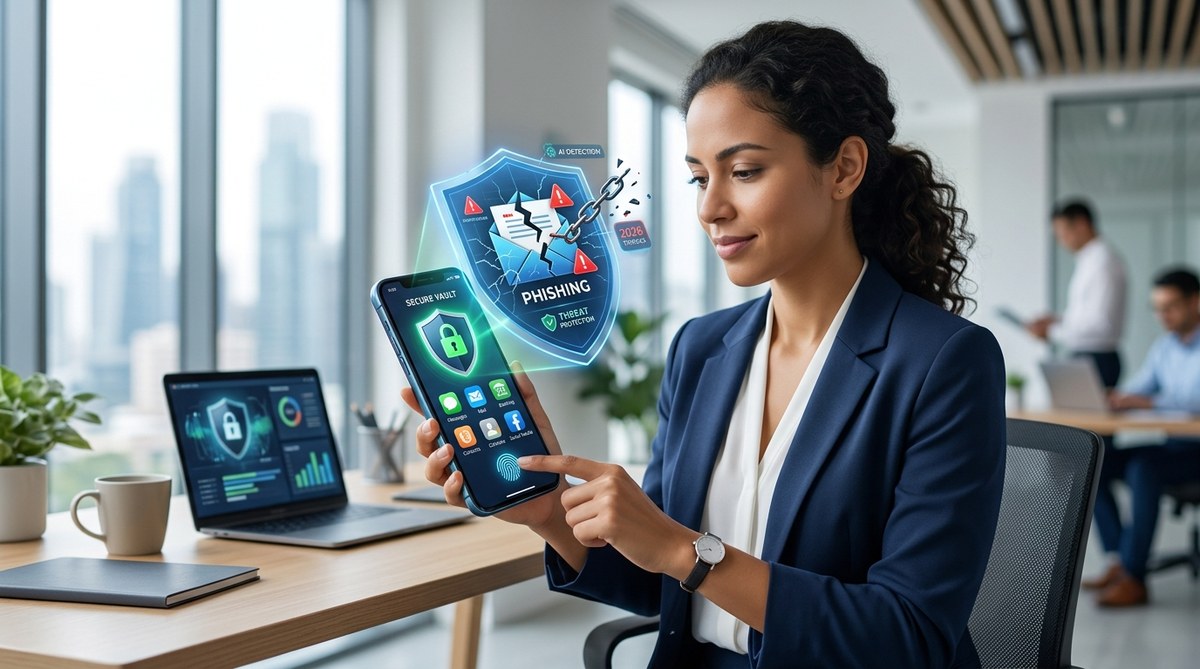
Phishing scams aren’t just for email inboxes anymore. In 2026, attackers have moved straight into your apps. They clone login screens, hijack notifications, and even trick biometric checks. If you rely only on a basic PIN or face unlock, you’re leaving the door open for a new breed of cybercriminals. Protecting your apps now means understanding how these scams work and locking down each entry point with precision.
Phishing attacks in 2026 target your apps directly through cloned interfaces, notification spoofing, and fake biometric prompts. To protect your apps, enable multi-factor authentication for every sensitive app, use an app lock that verifies the real app before asking for credentials, and never approve biometric prompts unless you triggered them yourself. Regular review of app permissions and alerts will catch scams early.
Why 2026 Demands a Fresh App Security Playbook
Phishing is no longer a game of “click this link in an email.” Attackers now use sophisticated overlay attacks that sit on top of legitimate apps. When you open your banking app, a fake screen appears first, asking for your fingerprint or passcode. You think it’s the real app, so you comply. A moment later, the real app loads normally, and you don’t think twice. But your credentials are already stolen.
This type of scam, sometimes called “in session phishing,” is on the rise. According to security researchers, app based phishing grew over 300% in the past eighteen months alone. The attackers don’t need to break into your phone. They just need to trick you into giving them access.
So how do you fight back without becoming paranoid? You build a layered defense that stops phished credentials from being useful. Let’s break it down step by step.
1. Lock Down App Access with a Trusted App Lock
The first layer is an app lock that verifies the app itself, not just your identity. Standard phone locks or biometric gates are useless here because the scam happens before the real app even opens.
A proper app lock, like the one explained in how to lock individual apps with biometrics and prevent data breaches in 2026, should:
- Detect when an app is launched.
- Check if the app’s signature matches the known good version.
- Only then prompt for your fingerprint or face.
- Block any attempt to access the app from an overlay or background process.
Many newer app locks include “app integrity verification” which prevents phishing overlays from intercepting the biometric prompt. This is a critical feature to look for in 2026.
What to look for in an app lock in 2026
- Integrity checks against tampered apps.
- Automatic locking when the screen turns off.
- Ability to hide the app from the recent apps list.
- No notification preview of locked app content.
If your app lock doesn’t verify the app’s authenticity, upgrade to one that does. It’s the single most effective change you can make.
2. Use Multi-Factor Authentication (MFA) That Resists Phishing
Even if a scammer captures your password, MFA can block them. But not all MFA is equal. SMS based codes are now considered weak because attackers can trick you into forwarding them through fake app prompts.
Instead, use phishing resistant MFA. That means:
- Hardware security keys (like YubiKey) for your critical apps.
- Passkeys that are tied to the app’s domain, not just your device.
- Authenticator apps that require a biometric confirmation before revealing the code.
| MFA Type | Phishing Resistance | Best For |
|---|---|---|
| SMS code | Low | Avoid if possible |
| Authenticator app (TOTP) | Medium | Social media, email |
| Passkey (FIDO2) | High | Banking, password managers |
| Hardware security key | Very high | Work accounts, finance |
When you combine an app lock with phishing resistant MFA, even if the attacker somehow gets your password, they can’t log in. And if they try to trick you with a fake prompt, the authenticator app will show you the real domain name, making it easy to spot the scam.
3. Audit App Permissions Monthly
Phishing attackers often abuse legitimate permissions to carry out their scams. A calculator app that asks for camera access should be a red flag. But even normal permissions, like notification access, can be weaponized.
In 2026, scammers use notification hijacking to send fake alerts that look like they come from your bank or messaging app. You tap the notification, it opens a fake login screen, and you’re done.
To prevent this:
- Disable notification access for any app that doesn’t need it.
- Regularly go through your permission list. On Android, use the Permission Manager. On iOS, go to Settings > Privacy.
- Revoke permissions for apps you haven’t used in 30 days.
For a complete checklist, see how to spot and stop hidden app permissions that leak your data in 2026. It’s a five minute task that can save you from a major breach.
4. Recognize the Most Common App Phishing Traps in 2026
Knowledge is still your best defense. Here are the scams you need to watch for:
- Fake biometric prompts. A screen suddenly asks for your fingerprint or face without you opening an app. This is almost always a scam.
- “Update required” overlays. You’re using an app, and a popup says you need to re-enter your password to install an update. Legitimate apps do not do this.
- Notification clones. You receive a notification claiming “your account has been locked” and you need to verify your identity. Tap nothing. Open the app manually.
- App impersonation in the app store. Scammers upload copycat apps with similar names and icons. Always check the developer name and number of downloads before installing.
Expert advice from a security engineer: “The easiest way to stay safe is to never type your password into an app that you didn’t open yourself. If you get a prompt, switch away from the app, reopen it from your home screen, and proceed normally. If the prompt disappears, you just dodged a phishing attempt.”
5. Keep Your Operating System and Apps Updated
This one is so obvious it’s easy to overlook. But in 2026, OS updates include patches for real time overlay detection and notification verification. When you ignore an update, you leave those protections disabled.
Set automatic updates for your device and for every app. If an app hasn’t been updated in six months, consider removing it. Developers who don’t patch vulnerabilities are a weak link.
6. Use a Password Manager That Fills Credentials Only for Verified URLs
Password managers are a double edged sword. They make it easy to use strong passwords, but some will automatically fill credentials on any site or app that claims to be legitimate. A phishing app could trick the password manager into revealing your login details.
In 2026, choose a password manager that verifies the app’s package name (Android) or bundle ID (iOS) before autofilling. This extra check prevents credential theft even if the app’s interface looks identical to the real thing.
For recommendations, check out top 5 password managers to secure your mobile devices in 2026.
7. Enable Alerts for Unusual Login Activity
Most major apps now offer login alerts. Enable them. When someone logs into your account from a new device, you should get a push notification. But be careful: scammers might try to send fake alerts too. Only trust alerts that appear inside the official app, not as standalone notifications.
If you receive an alert that you didn’t trigger, immediately change your password using the app’s built-in “forgot password” flow. Do not click any link in the alert.
Common Mistakes That Weaken Your Defense
Even smart people fall into these traps. Here’s what to avoid:
- Using the same PIN for your device lock and your app lock.
- Allowing apps to run in the background without restriction.
- Installing apps from third party stores or direct APK downloads.
- Saving passwords in your browser for financial apps.
- Ignoring app lock warnings about tampered apps.
If any of these sound familiar, take a few minutes to fix them. Small changes create a much stronger barrier.
Your 2026 App Security Checklist
- [ ] Install an app lock with integrity verification.
- [ ] Enable phishing resistant MFA on all sensitive accounts.
- [ ] Review app permissions and remove unneeded access.
- [ ] Turn on automatic updates for OS and apps.
- [ ] Configure your password manager for verified app autofill.
- [ ] Educate family members on spotting fake prompts and notifications.
Staying Ahead of the Threats
Phishing will keep evolving. The scams that work today might not work next month. But the fundamentals remain the same: verify everything, trust nothing, and lock down each layer of access. App locks, MFA, permission hygiene, and a skeptical eye form a shield that can handle whatever 2026 throws at you.
Start with the app lock. It’s the gatekeeper. When you know every app launch is protected, the rest falls into place. For a deeper look at building complete mobile privacy, read top mobile privacy tools every user should use for better data protection.
You have the tools. You have the knowledge. Now go lock down those apps.