Securing your mobile device is more important than ever. With so much personal information stored on smartphones and tablets, hackers are constantly finding new ways to exploit vulnerabilities. Whether you’re a tech-savvy user or someone looking to bolster your privacy, adopting solid security practices can make a big difference. From setting strong passwords to managing app permissions, small changes can significantly boost your defense against cyber threats.
Implementing proper security measures on your mobile device helps protect personal data from hackers. Use strong passwords, keep software updated, enable biometric locks, and be cautious with app permissions to stay safe. Regular backups and cautious internet use are also vital for maintaining privacy and security in today’s digital age.
Strengthen your passwords and enable biometric security
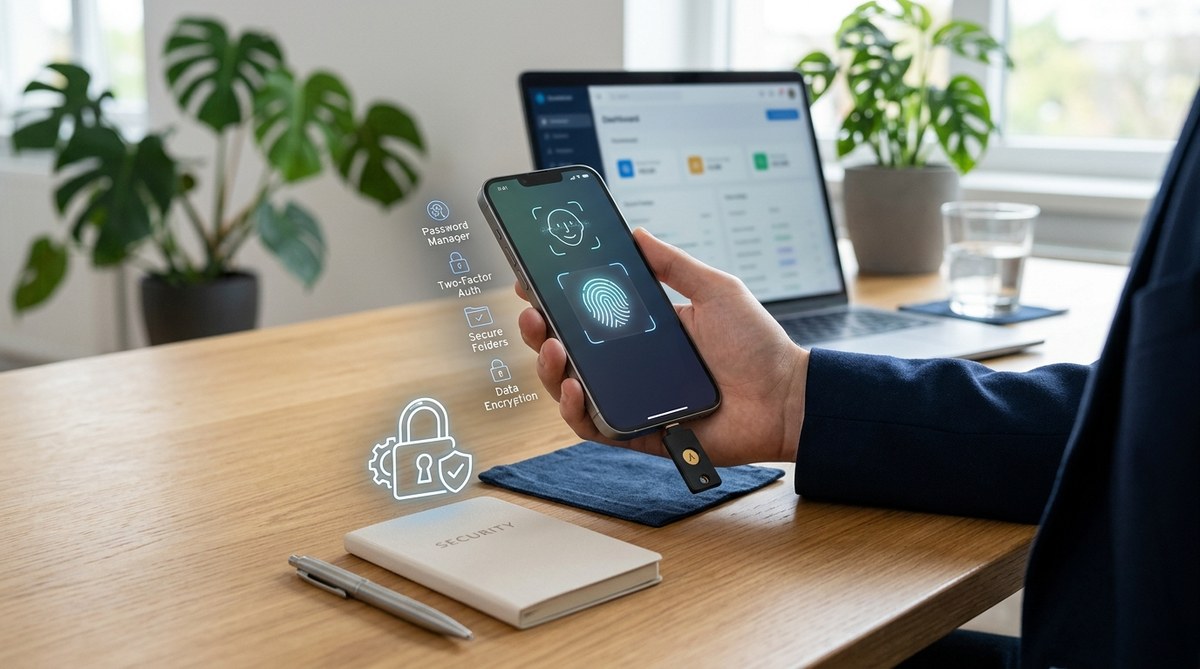
The first step in mobile device security is setting a strong, unique password or PIN. Avoid common combinations like 1234 or your birthday. Instead, opt for a mix of letters, numbers, and symbols that are hard for others to guess. Many devices now support biometric locks such as fingerprint or facial recognition. These add an extra layer of security and make unlocking your phone quick and convenient.
How to set up biometric locks
- Access your device’s security settings.
- Choose the biometric options available, like fingerprint or face ID.
- Follow the prompts to enroll your biometric data.
- Pair biometric locks with a fallback password for added security.
“Biometric security options are not foolproof but greatly increase the difficulty for someone trying to access your device without permission,” advises cybersecurity expert Lisa Miller.
Keep your software current and install security updates
Manufacturers regularly release updates that patch security vulnerabilities. Outdated software is one of the easiest ways for hackers to gain access. Always enable automatic updates so your device stays protected against the latest threats.
Practical steps for updating your device
- Check your device’s settings for system updates.
- Enable automatic updates if available.
- Install updates promptly when notified.
Regular updates fix bugs, improve performance, and close security loopholes that could be exploited. This simple practice keeps your device resilient against new attack methods.
Manage app permissions carefully
Apps often request access to things they don’t need, such as your camera, microphone, location, or contacts. Grant only permissions that are necessary for the app’s core function. Regularly review and revoke permissions for apps you no longer use or trust.
How to manage permissions
- Go to your device’s app settings.
- Select individual apps.
- Adjust permissions to restrict access.
- Uninstall apps that seem suspicious or unnecessary.
This minimizes the risk of malicious apps harvesting your data or spying on your activities.
Use security-focused apps and tools
Installing a reputable security app can add continuous protection. These apps can scan for malware, locate your device if lost, and block suspicious activity. Look for solutions that offer real-time protection and privacy tools.
Features to look for in security apps
- Anti-malware scanning
- Theft protection
- App privacy auditing
- Safe browsing features
For comprehensive protection, consider using an app like AppLock which secures your apps and locks sensitive data.
Practice cautious internet habits
Browsing the web on your mobile device can expose you to risks. Avoid clicking on suspicious links or downloading files from untrusted sources. Be cautious when connecting to public Wi-Fi networks, which can be insecure.
Tips for safe browsing
- Use a VPN when on public Wi-Fi.
- Only download apps from official stores.
- Check for HTTPS in website URLs.
- Avoid entering sensitive information on unsecured sites.
Remember that hackers often use phishing emails and malicious links to steal data. Verify sources before clicking or sharing information.
Regular backups to safeguard your data
Accidents happen. Devices get lost, stolen, or damaged. To prevent losing important personal data, back up your information regularly. Many smartphones offer built-in backup options to cloud services like Google Drive or iCloud.
How to back up your device
- Enable automatic backups in your settings.
- Manually back up critical data periodically.
- Use secure cloud services to store backups.
Having a recent backup ensures you can restore your data quickly if your device is compromised.
Be vigilant about app permissions and updates
Review app permissions periodically and revoke any unnecessary access. Keep your apps updated to benefit from security patches and new features. Limit app installations to trusted sources and avoid sideloading apps from unknown origins.
Common pitfalls to avoid
- Installing apps from third-party stores.
- Ignoring app permission requests.
- Failing to update apps regularly.
- Using weak or reused passwords across apps.
| Technique | Benefit | Common mistake |
|---|---|---|
| Use strong, unique passwords | Prevent unauthorized access | Reusing passwords across apps |
| Enable biometric locks | Quick, secure unlocking | Relying solely on PIN codes |
| Keep software updated | Close security gaps | Ignoring update prompts |
| Manage app permissions | Limit data access | Granting unnecessary permissions |
| Regular backups | Data recovery after loss | Forgetting to back up periodically |
Trust your instincts and stay informed
Remaining aware of current threats helps you stay protected. Avoid sharing personal info on insecure platforms and stay updated on the latest scams targeting mobile users. Educate yourself about common tactics hackers use to trick users into revealing sensitive data.
Expert advice
“Always question unusual requests or offers received via your device. If something seems off, verify through official channels before taking any action,” recommends cybersecurity analyst Mark Johnson.
Take control of your mobile security today
Implementing these practices creates a strong shield around your personal information. Set a robust password, enable biometric security, keep your device updated, and be cautious online. Small, consistent steps can prevent many common threats.
Remember that maintaining security is an ongoing process. Regularly review your settings and stay aware of new risks. Your mobile device holds a lot of your personal life; protecting it is worth the effort.
Staying ahead in mobile security
Keeping your device safe requires vigilance and proactive habits. Use strong passwords, stay current on updates, review permissions, and back up your data. Don’t let complacency become your weak spot. By making security a routine part of your device use, you preserve your privacy and peace of mind.