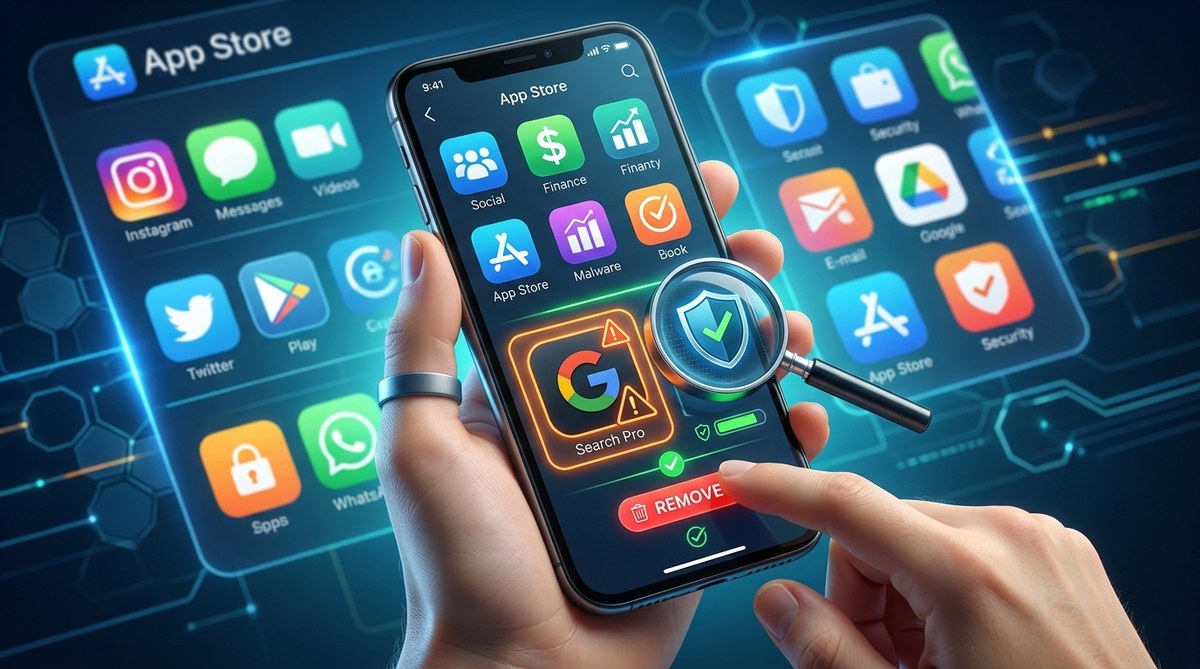
You open your phone’s app store, type in a name, and see a list of results. Most look similar. A few have the same icon. One or two even share the same description. Which one is the real app? This confusion is exactly what scammers count on. Fake apps, often called lookalike or copycat apps, are designed to trick you into downloading malware or handing over your personal data. They hide inside the same stores you trust. The good news? Once you know what to look for, they become easy to spot.
Malicious lookalike apps are one of the most common ways hackers steal your data in 2026. They mimic popular apps to trick you into installing malware or sharing login details. You can identify them by checking the developer name, reading recent reviews, looking at download counts, and examining permission requests. Always verify the official developer before downloading.
Why App Stores Still Host Fake Apps
Both Google Play and the Apple App Store have security checks. But scammers find ways around them. They submit a harmless version for review, then update it with malicious code later. They also steal the branding of legitimate apps and create nearly identical listings. In 2026, these tactics are more advanced than ever. Fake apps now use AI generated icons and descriptions that look professional. The goal is to steal your banking logins, social media passwords, or personal files.
What Makes an App a Lookalike?
A lookalike app is not a clone. It is a fake version that tries to pass as the original. The developer name might be off by one letter. The icon might be flipped or use a slightly different color. The description often copies the real app’s text but contains small errors. These apps ask for unusual permissions, like access to your contacts or camera, even when the real app does not need them.
The Step by Step Process to Identify Fake Apps
Use this numbered checklist every time you download a new app. It takes less than two minutes and can save you from a major security headache.
-
Check the developer name carefully. Look for the official developer website. Compare the name in the store with the name on the company’s site. For example, if you want the real banking app, the developer should match the bank’s official name. A misspelling like “Bank of Amerca” is a red flag.
-
Read the most recent reviews. Sort reviews by newest first. Look for complaints about hidden fees, crashes, or suspicious behavior. A flood of five star reviews posted on the same day is a sign of fake reviews.
-
Look at the download count. A legitimate app from a major brand will have millions or at least hundreds of thousands of downloads. A lookalike will have a much lower number. If the count seems too low for the app’s popularity, be suspicious.
-
Examine the permissions it requests. Before installing, check the app’s permission list. Does it ask for access to your microphone, camera, or contacts? A simple flashlight app should not need your location. If the permissions seem excessive for the app’s function, do not install.
-
Search for the app on the developer’s website. Most official developers link directly to their app store page. Go to the company’s site and find the download link. Use that link instead of searching the store.
Common Red Flags at a Glance
Here is a bulleted list of warning signs to scan for before you tap install.
- The developer name has typos or extra characters.
- The app icon looks slightly stretched or blurred.
- The description is poorly written with grammar mistakes.
- The app was updated recently but has very old reviews.
- The app asks for permissions that do not match its purpose.
- The app has no website or social media presence.
- The app has a low download count despite being a well known brand.
Comparison Table: Real App vs. Lookalike App
Use this table to see the key differences between a genuine app and a malicious copy.
| Feature | Real App | Lookalike App |
|---|---|---|
| Developer name | Exact match to official brand | Misspelled or slightly different |
| Download count | Millions or high hundreds of thousands | Low thousands or hundreds |
| Review quality | Mix of positive and critical reviews | Mostly five star reviews posted in a short time |
| Permission requests | Minimal, only what is needed | Asks for contacts, camera, microphone |
| Update history | Regular updates with clear notes | Rare updates or updates that change the app name |
| Website link | Links to official company site | No website or broken link |
A Real World Example from 2026
Imagine you want to download a popular budgeting app. You search the store and see two results. The first one has the developer name “Mint.com” with 2 million downloads. The second one has the developer name “Mint App” with 5,000 downloads. The icon looks almost the same, but the colors are slightly off. The second app asks for permission to read your text messages. That is a huge red flag. The real app never needs that access. You delete the second one immediately.
“If an app asks for a permission that does not make sense for its function, treat it as a threat. No calculator app needs your location. No wallpaper app needs your contacts. That is the single most important rule for spotting malicious apps.” – App Security Researcher, 2026
What to Do If You Already Installed a Fake App
If you suspect a lookalike app is on your phone, act now. Remove it by holding the app icon and selecting uninstall. After deletion, change the passwords for any accounts you opened or used inside the app. Enable two factor authentication on your important accounts. Run a security scan using your phone’s built in tools. If you entered payment information, contact your bank and monitor your statements. You should also review your app permissions in your phone’s settings to see if the app left behind any access. For a deeper look at protecting your accounts, check out our guide on best practices for locking apps and safeguarding personal data.
How App Lock Tools Help After You Spot a Threat
Even after you remove a fake app, your phone may still be at risk. Some malicious apps install hidden trackers or change your system settings. Using an app lock tool adds an extra layer of protection. It prevents unauthorized apps from running in the background and blocks suspicious permission requests. If you want to strengthen your phone’s defenses, you can learn more about how to lock individual apps with biometrics and prevent data breaches in 2026.
Your New Download Habit
You do not need to be a security expert to stay safe. Just build one simple habit: before you tap install, take a minute to verify the developer, read the reviews, and check the permissions. That small pause is all it takes to avoid a malicious lookalike app. By being careful now, you save yourself from the headache of a data breach later. Your phone holds your messages, your photos, your bank accounts. It deserves that much attention.