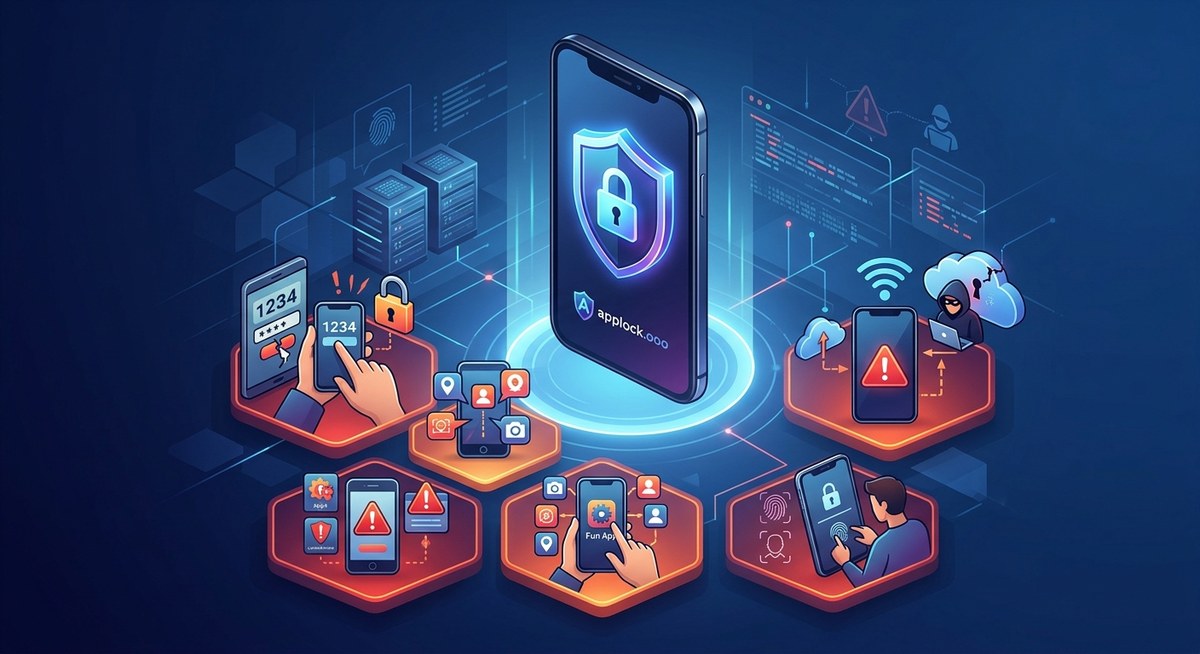
Your phone holds your entire life. Banking apps, private messages, photos, work emails, health records. One wrong setting or one careless tap can expose all of it. The scary part? Most people make the same app security mistakes without realizing it. And hackers know exactly what to look for. Let’s walk through the biggest risks and how to shut them down.
App security mistakes like granting excessive permissions, skipping updates, reusing passwords, and leaving sensitive apps unprotected can expose your personal data. Fixing these habits takes only a few minutes but dramatically reduces your risk. Focus on app locks, permission audits, and strong passwords to keep your information safe in 2026.
Your Apps Are Only as Secure as Your Daily Habits
Most people think a phone passcode is enough. It is not. Your apps handle data that your lock screen never touches. Every time you install something new, you make a choice. Every time you tap “Allow” on a permission request, you open a door. The mistakes are small, but they pile up.
The good news? You do not need to be a tech expert to fix them. You just need to know what to look for.
Mistake 1: Handing Out App Permissions Like Candy
A flashlight app should not need access to your contacts. A calculator app should not need your location. Yet millions of people tap “Allow” without thinking.
Apps ask for permissions they do not need all the time. Sometimes they collect data to sell. Sometimes a developer just copied code that requests everything. Either way, you lose privacy.
Here is a list of permissions you should question every time:
- Contacts. Only messaging and social apps with a contact-finding feature need this.
- Microphone. Should be off unless you are recording audio or on a call.
- Camera. Only needed for photo, video, or scanning apps.
- Location. Most apps do not need your precise location. Set it to “While Using” or “Never.”
- SMS and Phone. Legitimate apps rarely need these. Be suspicious.
- Storage or Files. Photo editors, file managers, and download tools need it. Other apps probably do not.
Check your current permissions right now. On iPhone, go to Settings > Privacy. On Android, go to Settings > Privacy > Permission Manager. Revoke anything that looks wrong.
Mistake 2: Treating App Updates as Optional
That “Update All” button is annoying. I get it. But skipping updates is one of the riskiest app security mistakes you can make.
Developers release updates to fix security holes. When a vulnerability is discovered, the clock starts ticking. Hackers know about it too. If you do not update, you are running software with a known weakness.
Set your apps to update automatically. On iPhone, go to Settings > App Store > App Updates. On Android, open Google Play, tap your profile, then Settings > Auto-update apps. Let the system handle it.
Mistake 3: Reusing the Same Password Everywhere
One stolen password should not unlock your entire life. But if you use the same login for email, banking, and social media, that is exactly what happens.
A data breach at a forum you joined years ago can give hackers the keys to your bank account. Password reuse makes this possible.
Use a password manager instead. It generates strong, unique passwords for each service and stores them securely. You only need to remember one master password. For more guidance, check out these best practices for locking apps and safeguarding personal data.
If you are not ready for a password manager, at least use unique passwords for your most important accounts: email, banking, and social media.
Mistake 4: Leaving Sensitive Apps Unprotected
Your phone lock screen is a first line of defense. But if someone borrows your phone, or if you lose it, that lock screen is the only thing standing between a stranger and your private conversations.
Think about it. Your messaging app, photo gallery, email, and banking app all sit wide open after you unlock your phone once. Anyone who picks up your device can scroll through everything.
App locks fix this. They add a second layer of protection to individual apps. You can use a PIN, pattern, or biometrics like your fingerprint or face. If you want to learn more, see these top strategies to secure your mobile apps from hackers.
Some phones have built-in app locking. Others need a third party tool. Either way, lock your most sensitive apps today. Do not wait.
Mistake 5: Connecting to Public Wi-Fi Without Protection
Coffee shops, airports, hotels. Free Wi-Fi is everywhere in 2026. It is also a playground for attackers.
When you connect to an open network, anyone on that same network can potentially see your traffic. That includes login credentials, messages, and browsing history.
Here is what you can do:
- Use a VPN. It encrypts everything your phone sends and receives.
- Avoid logging into banking apps on public Wi-Fi.
- Turn off auto-connect for Wi-Fi networks.
- Use your mobile hotspot instead when possible.
For more on this, read about 7 app security features you must enable before connecting to public Wi-Fi.
Mistake 6: Never Auditing Your Installed Apps
When is the last time you scrolled through your entire app list? Most people have dozens of apps they installed once and forgot about.
Old apps stop receiving updates. That makes them security risks. Some apps also change ownership or update their privacy policies. An app you trusted five years ago might now be selling your data.
Take five minutes to clean house. Delete apps you do not use. For apps you keep, check that they still have good privacy practices. If an app has not been updated in over a year, remove it.
Mistake 7: Ignoring Unusual App Behavior
Your phone tells you when something is wrong. You just have to listen.
Does your battery drain faster than usual? Is your phone getting hot when you are not using it? Do you see pop ups or ads that feel out of place? These can be signs that an app is misbehaving.
“If an app starts acting strangely after an update, treat it with suspicion. Revoke its permissions and check reviews to see if other users report the same issue. Better yet, uninstall it until the developer addresses the problem.”
This kind of caution can save you from data theft. If you want a full checklist of warning signs, take a look at these 7 signs your apps are compromised and what to do.
Common App Security Mistakes at a Glance
Here is a simple table to summarize the mistakes, what is at risk, and how to fix them.
| Mistake | What Is at Risk | The Fix |
|---|---|---|
| Too many permissions | Location, contacts, camera access | Revoke unnecessary permissions in settings |
| Skipping updates | Known security vulnerabilities | Turn on automatic updates |
| Password reuse | All accounts if one is breached | Use a password manager |
| No app lock on sensitive apps | Private messages, photos, banking data | Enable biometric app locking |
| Public Wi-Fi without VPN | Login credentials, browsing history | Use a VPN or mobile hotspot |
| Old unused apps | Outdated code with unpatched holes | Delete apps you no longer use |
| Ignoring strange behavior | Malware or data exfiltration | Investigate and remove suspicious apps |
Three Steps to Lock Down Your Apps Starting Today
If you only have 15 minutes, do these three things in order.
-
Audit your app permissions. Go through every app and revoke anything that does not make sense. Start with location, microphone, camera, and contacts. This alone closes most common data leaks.
-
Set up app locks on your most sensitive apps. Banking, email, messaging, and photos should all require biometrics or a PIN before opening. Many phones support this natively. For more detail, read about how to lock individual apps with biometrics and prevent data breaches in 2026.
-
Enable automatic updates and turn on a VPN. Updates patch security holes. A VPN protects your data on any network. These two settings run in the background and keep you safe without effort.
Small Changes Add Up to Real Protection
You do not need to overhaul your digital life overnight. Pick one mistake from this list and fix it today. Tomorrow, fix another.
The truth is that most app security mistakes are easy to fix once you know they exist. A few minutes of attention can save you months of headache if your data gets stolen. Your phone is powerful. Make sure it works for you, not against you.
For a deeper look at how to protect yourself, check out this guide on how to strengthen your mobile app security against unauthorized access. It covers more advanced techniques that build on the basics we covered here.
Start with your permissions. Then lock your apps. Then update everything. You will be surprised how much safer you feel.