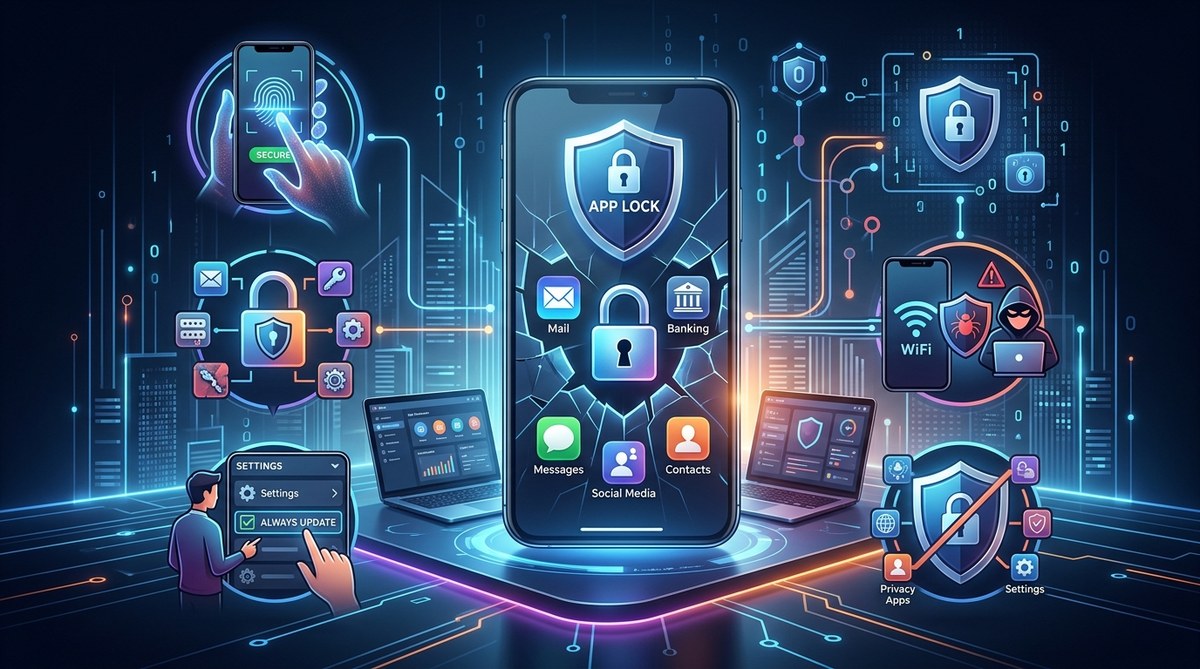
You open your phone to check your banking app. It asks for your fingerprint. You feel safe. But what if that fingerprint lock isn’t the fortress you think it is?
In 2026, the average smartphone holds access to your bank accounts, medical records, work email, and even your home security system. That’s a lot of trust in a device that most of us treat like a digital wallet with a simple zipper. The problem isn’t that people don’t care about security. It’s that many of us operate on outdated beliefs about how mobile safety actually works. These aren’t small misunderstandings. They are the exact gaps that hackers, stalkerware, and data brokers rely on.
Let’s clear the air. Below are the five most dangerous app security myths floating around in 2026, and the reality you need to protect your personal data.
Believing these five app security myths leaves your sensitive data wide open. From trusting that app store reviews guarantee safety to assuming a strong phone PIN locks everything down, each myth creates a blind spot. The good news? Fixing them is simpler than you think. You just need to know where the real risks are hiding in 2026.
Myth 1: If an App Is in the Official Store, It’s Safe
This is one of the most persistent app security myths. It makes sense on the surface. Apple, Google, and Microsoft all claim to vet their apps. They do, but not perfectly.
In 2025 and 2026, security researchers found dozens of malicious apps that slipped through app store reviews. Some were fake versions of popular tools like VPNs or QR scanners. Others were “trojanized” updates that looked legitimate for months before turning malicious.
The storefront is a gate, not a vault. A bad actor can buy a legitimate developer account, publish a clean app, and push an update six months later that includes spyware. By then, you have already granted permissions and trust.
What to do instead: Treat every app download like a new neighbor moving in. You wouldn’t hand over your house keys without a background check. Before you hit install, look at the developer’s website, check how long they have been active, and read the privacy policy for data collection. If an app asks for permissions that don’t match its function (like a flashlight app wanting your contacts), that is a red flag.
For a deeper breakdown on spotting these fakes, read our guide on the hidden danger in your app store: how to spot and remove malicious lookalike apps.
Myth 2: A Strong Phone PIN Locks Everything Inside
You set a solid six-digit PIN on your phone. You feel good. But here is the hard truth: that PIN mostly protects the lock screen, not your individual app data.
In 2026, a new wave of threats bypasses the phone’s main lock entirely. Stalkerware and spyware can run in the background, recording keystrokes or capturing screenshots, even while your phone is locked. Some malicious apps use “accessibility overlays” to read content from other apps without ever triggering your lock screen.
Your phone PIN is a door lock. It keeps out a casual snoop. It does nothing against a piece of code that is already running on your device.
What to do instead: Use an app-specific lock for your most sensitive applications. Banking apps, messaging apps, and password managers should each require their own authentication. Biometric app locks (fingerprint or facial recognition) add a layer that malware cannot easily bypass.
Learn more about how to lock individual apps with biometrics and prevent data breaches in 2026.
Myth 3: Public Wi-Fi Is Safe If You Use HTTPS
This myth has been around for years, and it is still dangerous in 2026. Yes, HTTPS encrypts the data traveling between your phone and the website. That is good. But it does not protect you from everything.
Consider these common threats on public Wi-Fi:
– SSL stripping: An attacker downgrades your HTTPS connection to HTTP without you noticing.
– Evil twin networks: A hacker sets up a Wi-Fi hotspot with the same name as the coffee shop’s network. Your phone auto-connects.
– Local app traffic: Many mobile apps use their own API calls that are not fully encrypted, even if the website version uses HTTPS.
A VPN helps, but it is not a silver bullet either. Some apps bypass the VPN tunnel, and free VPNs often sell your data.
What to do instead: Before connecting to public Wi-Fi, turn off automatic Wi-Fi joining on your phone. Use a trusted, paid VPN service. And most importantly, lock down individual apps so they refuse to connect on untrusted networks. Our guide on 7 app security features you must enable before connecting to public Wi-Fi walks you through each setting.
| Threat | What HTTPS Protects | What HTTPS Misses |
|---|---|---|
| Data in transit | Encrypts browser traffic | Does not encrypt app API calls |
| Man-in-the-middle | Verifies website certificate | Does not stop evil twin networks |
| Local network snooping | Hides page content | Does not hide which sites you visit |
| Malicious hotspots | Adds a layer of encryption | Does not block local malware injection |
Myth 4: You Don’t Need to Worry About Permissions After Setup
This is a classic case of “set it and forget it.” You install an app, grant it permission to access your camera, microphone, and contacts, and then move on with your life. In 2026, that is a dangerous habit.
Apps update their permissions silently. A photo editing app you installed in 2024 might have added a clause in its terms of service that allows it to scan your location data. A note-taking app could now share your data with third-party advertisers. You would never know, because the permission was granted years ago.
“The most dangerous permission is the one you gave two years ago and forgot about. App permissions are not static. They evolve, often without your awareness.” – Mobile security researcher at a 2026 privacy conference.
What to do instead: Make it a monthly habit to audit your app permissions. Go into your phone’s settings and look at which apps have access to your camera, microphone, location, and contacts. Revoke anything that looks suspicious or unnecessary.
For a step-by-step process, check out how to spot and stop hidden app permissions that leak your data in 2026.
Myth 5: Antivirus Software Protects Your Phone Like It Protects Your Computer
Mobile antivirus apps are not the same as their desktop counterparts. On a computer, antivirus software can scan files, monitor system processes, and block malicious downloads at a deep level. On a phone, especially iOS, the operating system restricts that kind of access.
Most mobile “antivirus” apps are really just permission managers or safe browsing tools. They can tell you if a link is known to be malicious, but they cannot scan the internal memory of your apps or stop a piece of stalkerware that is already running.
What to do instead: Focus on prevention rather than detection. Use app-specific locks, keep your operating system updated, and avoid sideloading apps from outside the official store. If you want an extra layer of protection, look for a mobile security tool that specializes in app locking and permission monitoring, not just virus scanning.
Here are three practical steps you can take right now:
- Audit your installed apps. Delete any app you haven’t used in the last 30 days. Each app is a potential entry point.
- Enable app-specific locks. Use your phone’s built-in app lock feature or a third-party tool to require authentication for sensitive apps like banking, email, and messaging.
- Turn off unused permissions. Go to Settings > Privacy > App Permissions and revoke access for apps that don’t need your camera, microphone, or location to function.
For a more detailed routine, read the ultimate guide to creating a mobile security routine that actually sticks.
Why Believing These App Security Myths Hurts Your Business
Small business owners and tech-savvy professionals often think, “I’m not a target. I don’t have anything worth stealing.” That is another myth. In 2026, data brokers pay good money for email addresses, purchasing habits, and location histories. Hackers target small businesses because they know security is often lax.
If you use your phone for work, a compromised app can expose client data, business financials, or proprietary information. That is not just a personal problem. It is a liability.
Your 2026 App Security Checklist
Here is a summary of what you should do to protect yourself. Keep this list handy.
- [ ] Review app permissions monthly.
- [ ] Enable biometric locks on sensitive apps.
- [ ] Use a paid VPN on public Wi-Fi.
- [ ] Delete unused apps.
- [ ] Treat every app store download with caution.
- [ ] Do not rely on phone PINs alone.
- [ ] Update your phone’s operating system regularly.
Take Control of Your App Security Starting Today
The truth is, app security in 2026 is not about finding one perfect tool. It is about layering small, smart habits. A strong PIN is good. A biometric app lock is better. Monthly permission audits make you nearly invisible to data brokers. And treating every app download with a healthy dose of skepticism keeps the worst threats off your phone entirely.
You do not need to be a cybersecurity expert. You just need to stop believing the myths that leave your data exposed. Start with one change today. Audit one app’s permissions. Enable one biometric lock. That single step puts you ahead of most people.
For a more complete walkthrough on securing your mobile life, check out top strategies to secure your mobile apps from hackers. Your data is worth the ten minutes it takes to lock it down properly.